Turn Any Image Into
Minecraft-Ready Voxel Assets
AI-powered conversion from photos and 3D models to .litematic files. Edit, slice, and export — all in your browser.
Powerful Creation Tools
Everything you need to go from image to Minecraft build
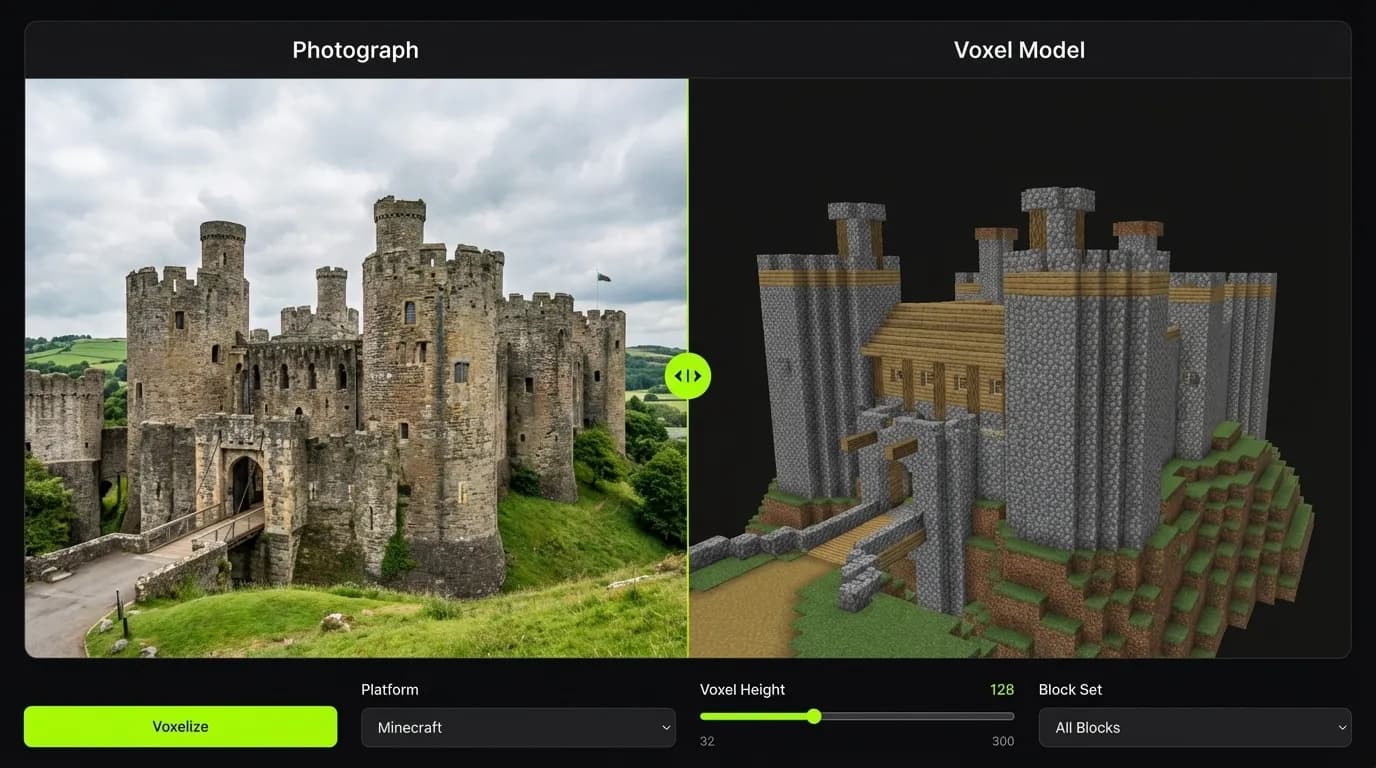
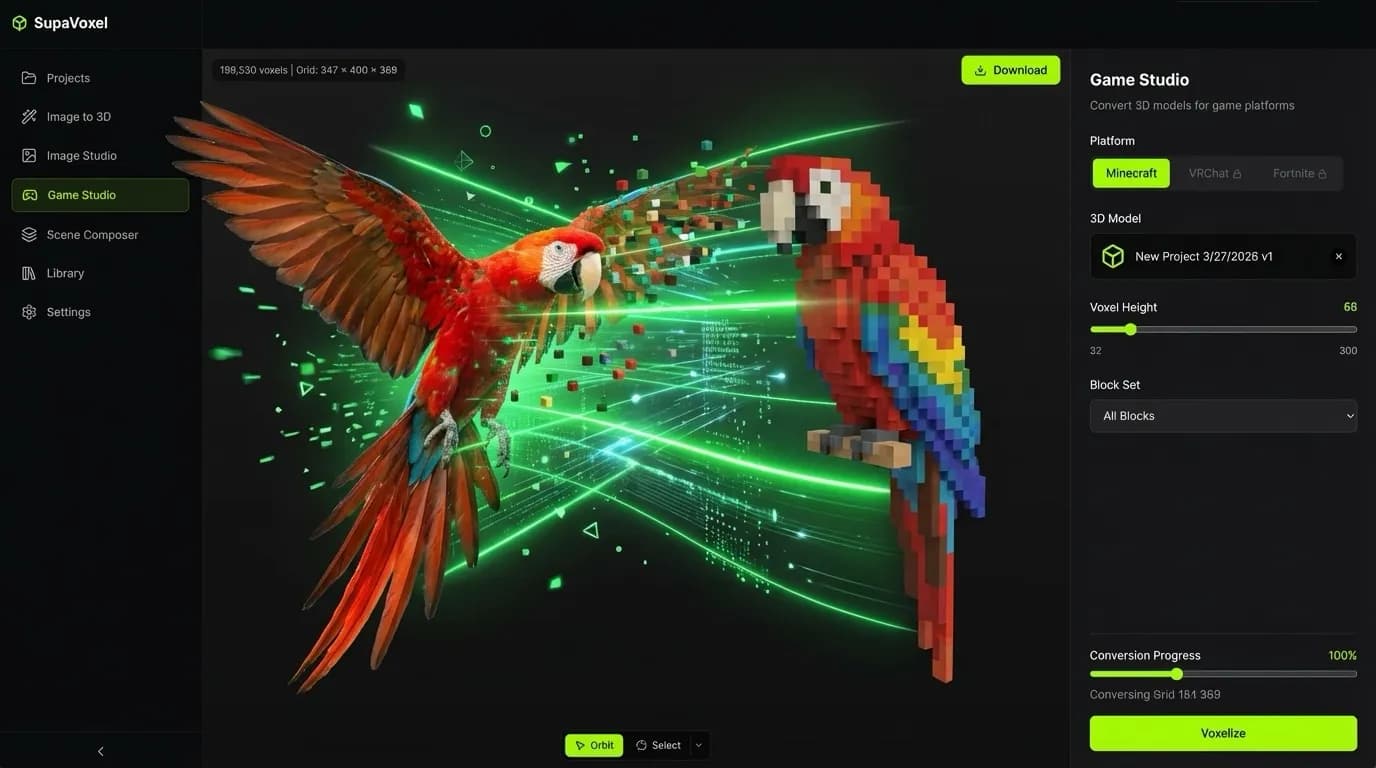
AI Image to Voxel
Upload any photo and our AI converts it into Minecraft-compatible voxel blocks. Our intelligent color matching finds the perfect block for every pixel, preserving textures and accurate colors across the entire palette.
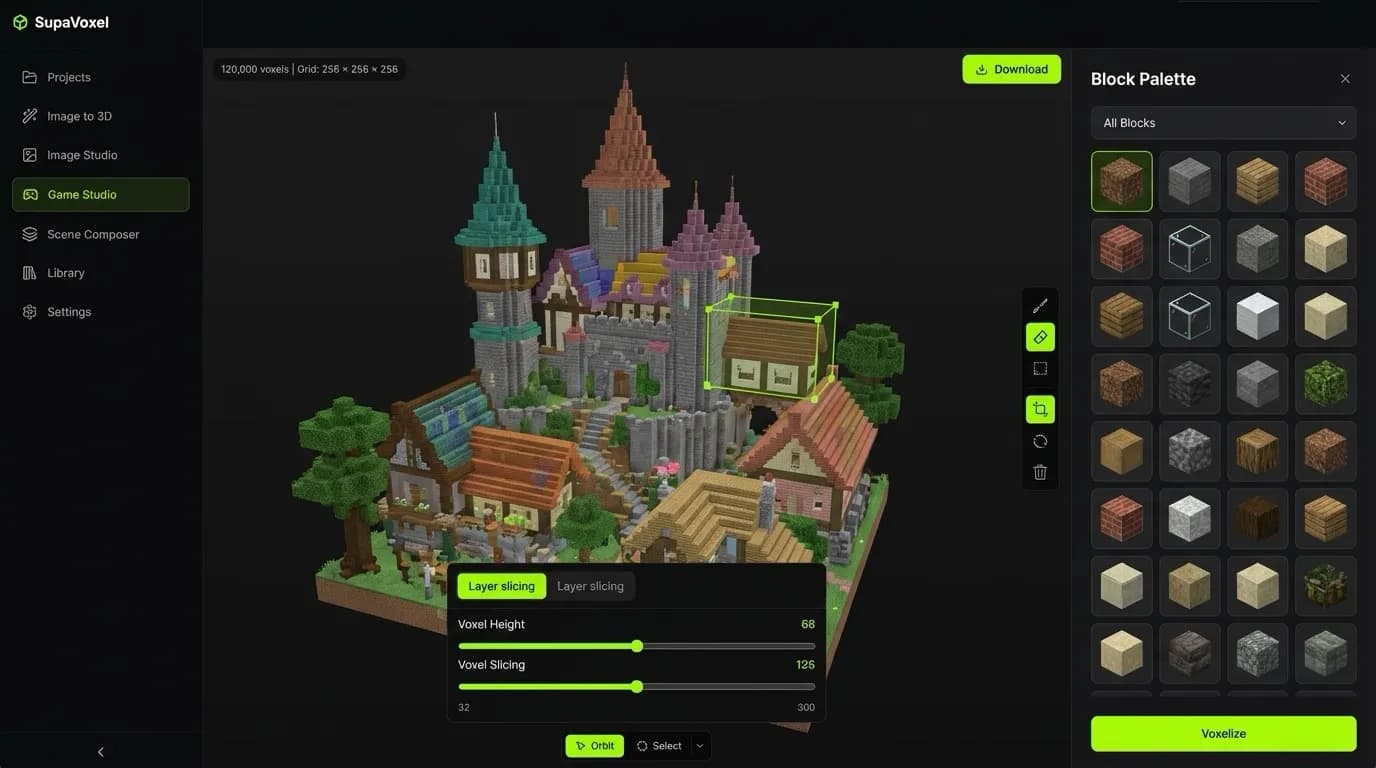
Game Studio Editor
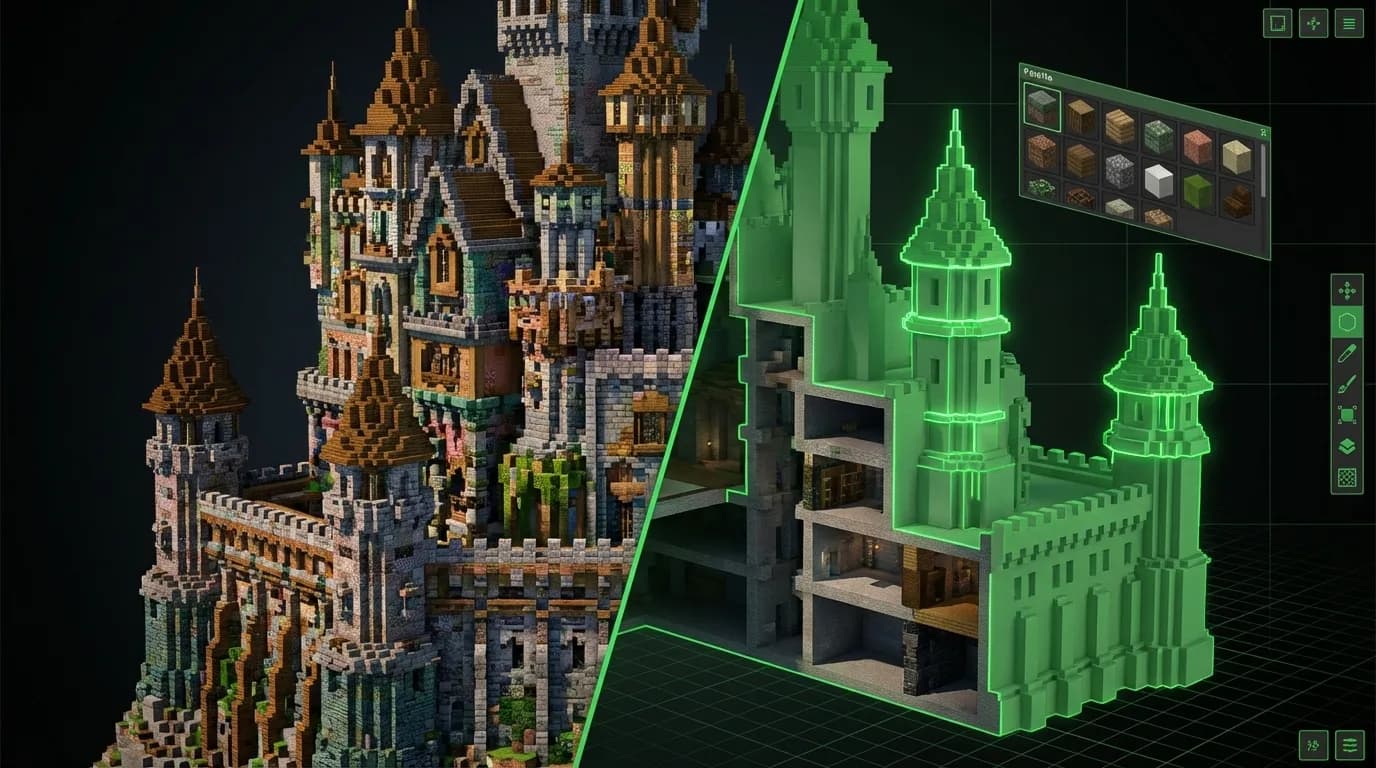
Full-featured litematic editor with range selection, layer slicing, block replacement, and real-time 3D preview. Edit your builds block-by-block or in bulk — all directly in your browser with zero installs.
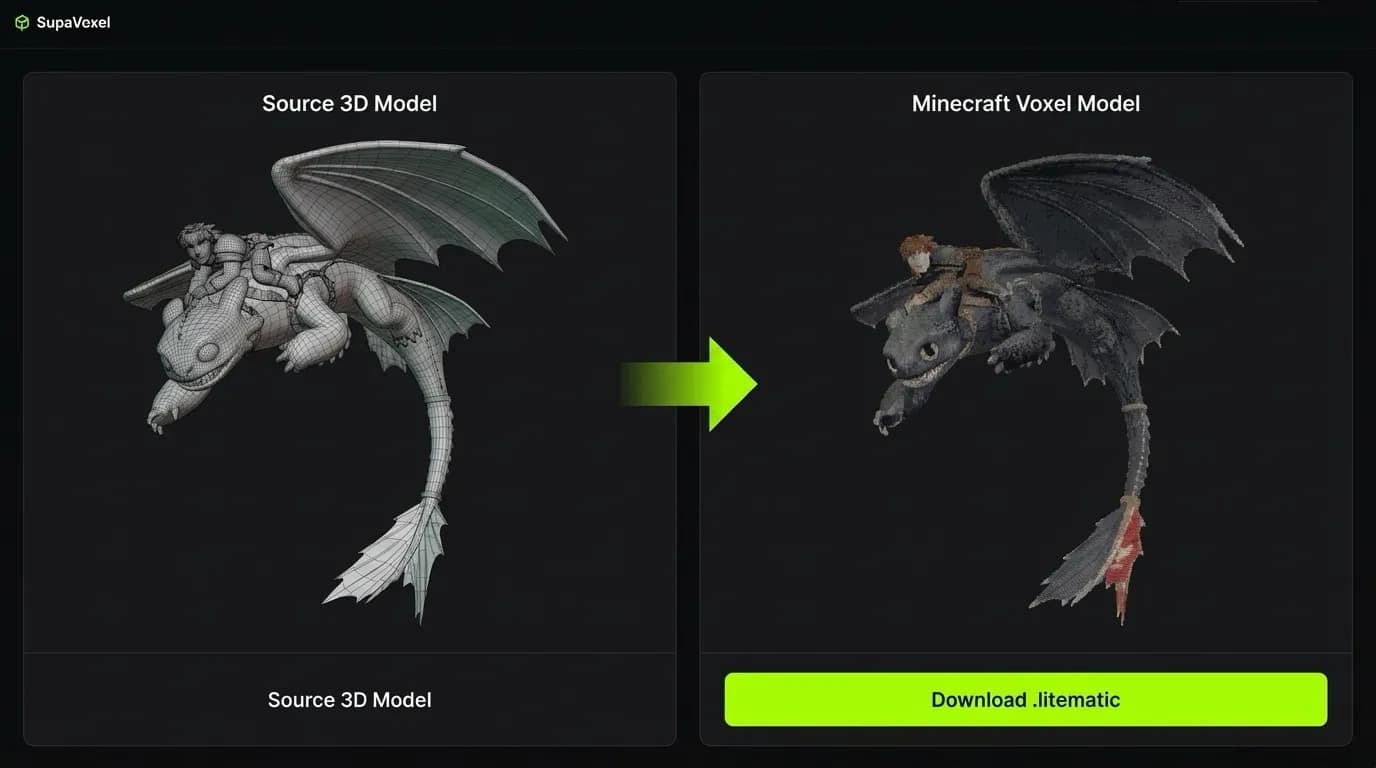
OBJ to Litematic
One-click conversion from standard 3D models (.obj, .glb) to Minecraft .litematic schematics. Import complex 3D geometry and watch it transform into buildable Minecraft structures instantly.
How It Works
Three simple steps from image to Minecraft build
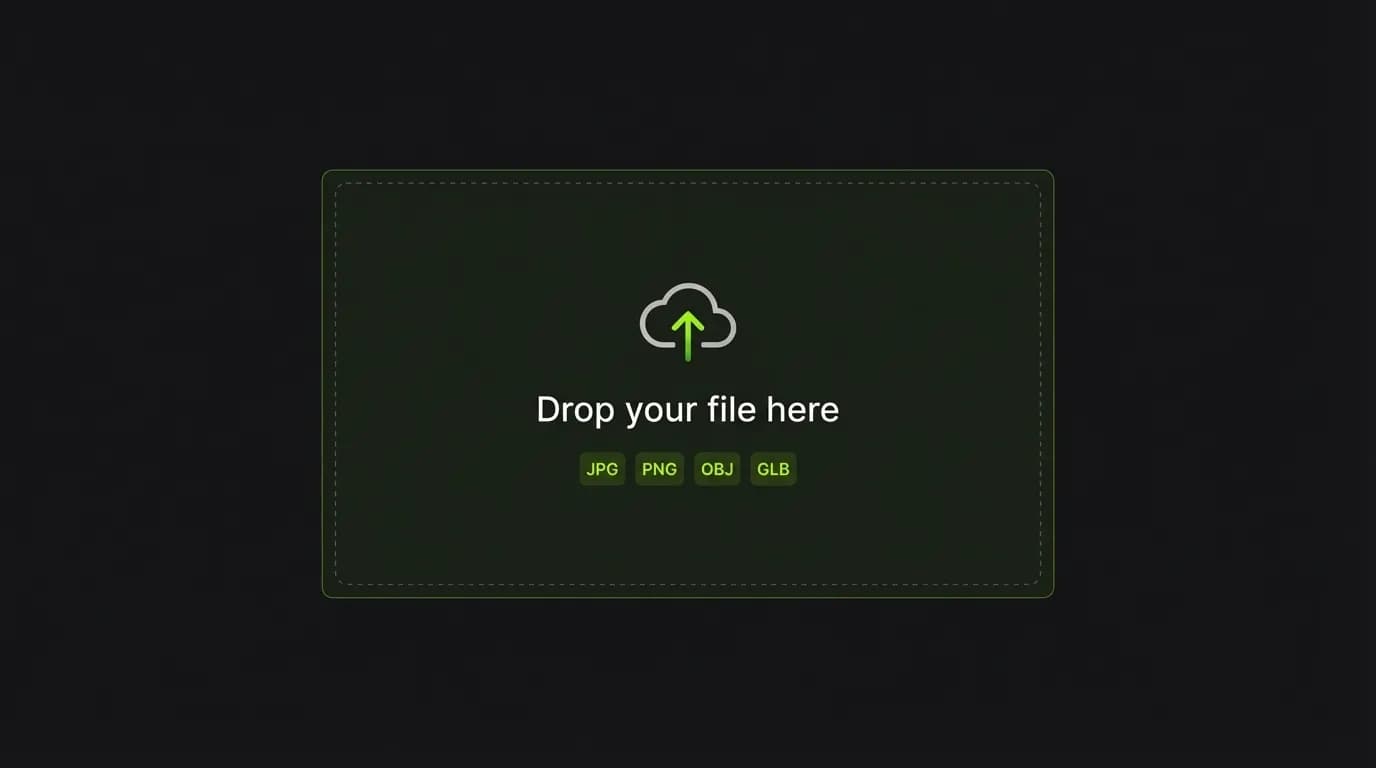
Upload Your Image or 3D Model
Drag & drop any image, photo, or 3D model file. We support JPG, PNG, OBJ, GLB and more — just drop it in and our system handles the rest automatically.
AI Converts to Minecraft Blocks
Our AI analyzes colors and geometry to find the perfect block matches from Minecraft's full palette. Every pixel is mapped to the closest block texture for accurate, faithful results.
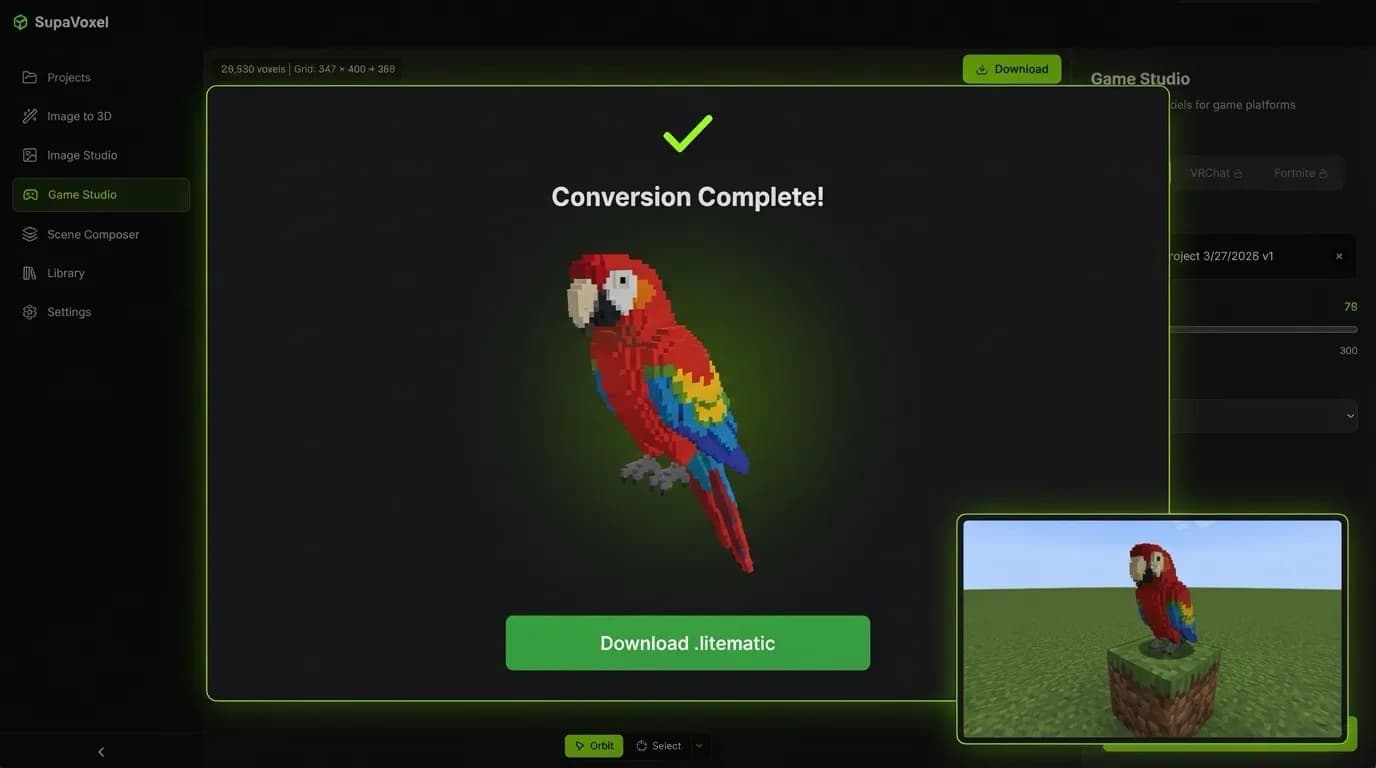
Download .litematic & Build
Export your creation as a .litematic file and import it directly into Minecraft with Litematica mod. Your build is ready to paste into any world instantly.
A Complete Minecraft Building Studio
- ✓Litematic file editing & creation
- ✓Range selection & bulk operations
- ✓Layer-by-layer slicing view
- ✓Block palette replacement
- ✓Real-time 3D preview with rotation
- ✓Export to .litematic format
- ✓Works entirely in your browser
Ready to Build?
Join thousands of Minecraft creators using Supavoxel