AR 3D Models from a Single Photo
Make AR 3D models from one picture in 3 to 5 minutes: GLB for Android's Scene Viewer and the web, USDZ for AR Quick Look on iPhone and iPad.
- 3 free credits, no card
- GLB + USDZ
- iPhone, iPad and Android
By SupaVoxel Team·Updated
Drop in a picture, get a 3D model
3 free credits · Google sign-in · no card
How to make AR 3D models people can place in their room
Both phone platforms have a built-in AR viewer. You need one file per platform, and the right size baked in.
- 01
Generate from one photo
Upload a sharp picture of a single object here or in the studio. For AR, generate textured (3 credits, paid plan): a gray model looks unfinished on a real table. Textured models typically take 3 to 5 minutes. - 02
Set the real size
The AI doesn't know how big your object is. Open the GLB in Blender, set its dimensions in meters in the N panel, apply scale, and re-export. glTF's 1 unit = 1 m means AR places it at that size. - 03
Export GLB for Android and the web
GLB is what Google's Scene Viewer and the<model-viewer>web component load. It is also the free download. - 04
Export USDZ for Apple devices
USDZ is the format AR Quick Look opens in Safari, Messages, Mail, News and Notes on iPhone, iPad and Apple Vision Pro. It is a paid studio export, or convert the GLB yourself with the free GLB to USDZ converter. - 05
Check both files
Preview the USDZ in the free USDZ viewer and the GLB in the GLB viewer. Look for missing textures and a sensible triangle count before you publish. - 06
Publish with a link or an embed
Host the files on HTTPS and use the code in the next section. One<model-viewer>tag can serve both platforms.
Augmented reality models: what each platform needs
Requirements for iPhone and Android, as of October 2026.
File format
- iPhone / iPad (AR Quick Look)
- USDZ
- Android (Scene Viewer)
- glTF 2.0 / GLB
Serve as
- iPhone / iPad (AR Quick Look)
- MIME type
model/vnd.usdz+zip - Android (Scene Viewer)
- HTTPS URL
Web link
- iPhone / iPad (AR Quick Look)
<a rel="ar" href="model.usdz">with exactly one<img>or<picture>child- Android (Scene Viewer)
intent://arvr.google.com/scene-viewer/1.0?file=…link
Size limits
- iPhone / iPad (AR Quick Look)
- No hard numbers published; use the Android targets as a safe budget
- Android (Scene Viewer)
- 100k triangles recommended (30–50k ideal), 10 MB, textures up to 2048 × 2048
Materials
- iPhone / iPad (AR Quick Look)
- PBR
- Android (Scene Viewer)
- PBR; up to 10 materials recommended, 1 UV set per mesh (hard limit)
Extensions
- iPhone / iPad (AR Quick Look)
- n/a
- Android (Scene Viewer)
- Only
KHR_materials_unlitandKHR_texture_transformare listed
Orientation
- iPhone / iPad (AR Quick Look)
- Placed upright on a detected surface
- Android (Scene Viewer)
- +Y up; the front should face +Z
Shadows
- iPhone / iPad (AR Quick Look)
- Don't bake them into the texture
- Android (Scene Viewer)
- Hard shadows added automatically – don't bake them in
| iPhone / iPad (AR Quick Look) | Android (Scene Viewer) | |
|---|---|---|
| File format | USDZ | glTF 2.0 / GLB |
| Serve as | MIME type model/vnd.usdz+zip | HTTPS URL |
| Web link | <a rel="ar" href="model.usdz"> with exactly one <img> or <picture> child | intent://arvr.google.com/scene-viewer/1.0?file=… link |
| Size limits | No hard numbers published; use the Android targets as a safe budget | 100k triangles recommended (30–50k ideal), 10 MB, textures up to 2048 × 2048 |
| Materials | PBR | PBR; up to 10 materials recommended, 1 UV set per mesh (hard limit) |
| Extensions | n/a | Only KHR_materials_unlit and KHR_texture_transform are listed |
| Orientation | Placed upright on a detected surface | +Y up; the front should face +Z |
| Shadows | Don't bake them into the texture | Hard shadows added automatically – don't bake them in |
Embed code for AR 3D models on a website
One tag for every phone. Google's <model-viewer> web component loads a GLB and, with the ar attribute, offers AR on supported devices. Its default ar-modes value is webxr scene-viewer quick-look, in that priority. If you don't set ios-src, it generates a USDZ on the fly for iPhone, so a single GLB can cover both platforms. Set ar-placement="wall" for art and mirrors, and ar-scale="fixed" to stop people pinching a product to the wrong size.
iPhone only, no JavaScript. Link the USDZ with rel="ar", wrapping a single <img> preview. Safari then opens AR Quick Look in place instead of navigating away, and returns to your page on exit. Your server must send the file as model/vnd.usdz+zip, or Safari won't treat it as AR content.
Android only. Use an intent link to arvr.google.com/scene-viewer/1.0 with file= set to your GLB's HTTPS URL. Add mode=ar_only to skip the 3D preview (don't use it for links launched from a browser), resizable=false to lock true scale, and title= for the name shown (truncated after 60 characters). Include S.browser_fallback_url so people without AR support land somewhere useful.
AR 3D models made from one photo
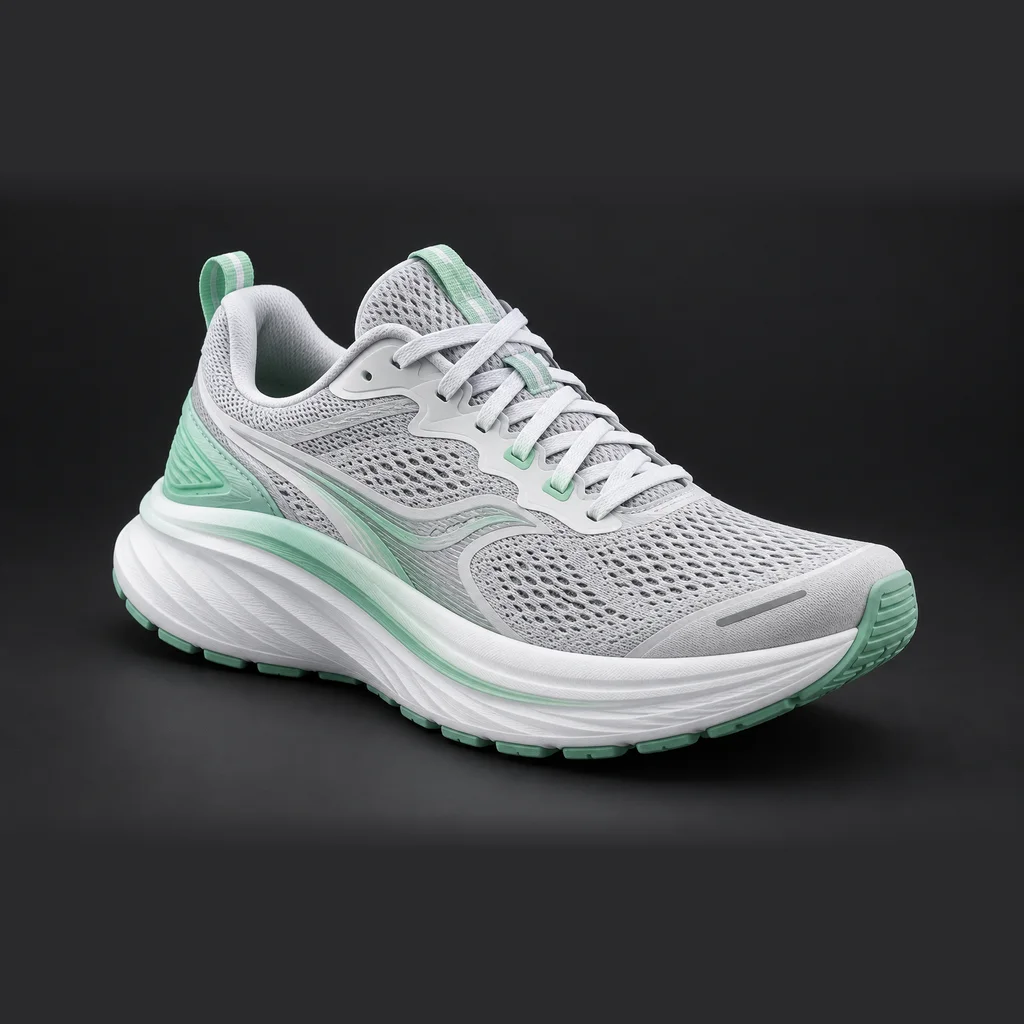
Objects that people actually place in AR: products, decor and collectibles. Rotate each one to judge the texture up close, the way a shopper would.
USDZ for AR: getting the size and weight right
Two things make an AR model feel wrong on a phone: the wrong size and a slow load. Fix size before export, because it is part of the file: a 26 cm sneaker should be 0.26 units tall in glTF. Then keep the file light. Google's guidance for Scene Viewer is under 100,000 triangles with 30,000–50,000 ideal, under 10 MB, and textures no larger than 2048 × 2048.
- Reduce triangles with the free mesh simplifier
- Our GLB compressor uses meshopt and WebP – fine for
<model-viewer>, but Scene Viewer doesn't officially support either extension, so test before using it there - Don't bake shadows into the texture; Scene Viewer adds its own when the object is placed
- Face the object's front toward +Z so it greets the viewer
Do and don't for augmented reality models
- Photograph products in soft, even light – the texture comes from your picture
- Generate textured models for anything customers will see
- Set real-world dimensions in meters before exporting
- Test on one iPhone and one Android phone before launch
- Provide a fallback image for people without AR
- Use glossy reflections or harsh shadows in the source photo
- Ship a 50 MB file to a product page
- Rely on the AI to guess the back of a product shot only from the front
- Expect animation – the models are static
- Use AI models where exact measurements matter, like a part that must fit
Honest limits of AI-made AR content
AI reconstruction is excellent for showing what something looks like and how big it is in a room. It isn't a measured scan: proportions are close, not exact, and fine text on a label usually comes out blurry. If a shopper needs to know whether a box fits a 40 cm shelf, state the real dimensions on the page next to the AR button.
The models also don't move. There's no skeleton, so no walk cycles or animated characters; static display is the job. For furniture specifically, see the interior design workflow; for printed versions of the same object, figurine from photo.
Tools for AR files
Frequently asked questions
What file format do AR 3D models use?
How do I view a USDZ for AR on iPhone?
How do I open a GLB in AR on Android?
Are AR 3D models from SupaVoxel free?
Why is my AR model the wrong size?
Can I use AR models on a product page commercially?
Can the AR models be animated?
Can one file work in AR on both iPhone and Android?
Keep going
Put your product in the room with AR 3D models
Upload a photo, get a textured model in minutes, export GLB and USDZ. 3 free credits, no card.
No credit card required · 3 free credits to start