Godot 3D Models from a Single Picture
Get Godot 3D models from one image: a GLB in under a minute, textured in 3 to 5. glTF is Godot's preferred 3D format, so it imports with its materials.
- 3 free credits, no card
- glTF – Godot's recommended format
- Works in Godot 4
By SupaVoxel Team·Updated
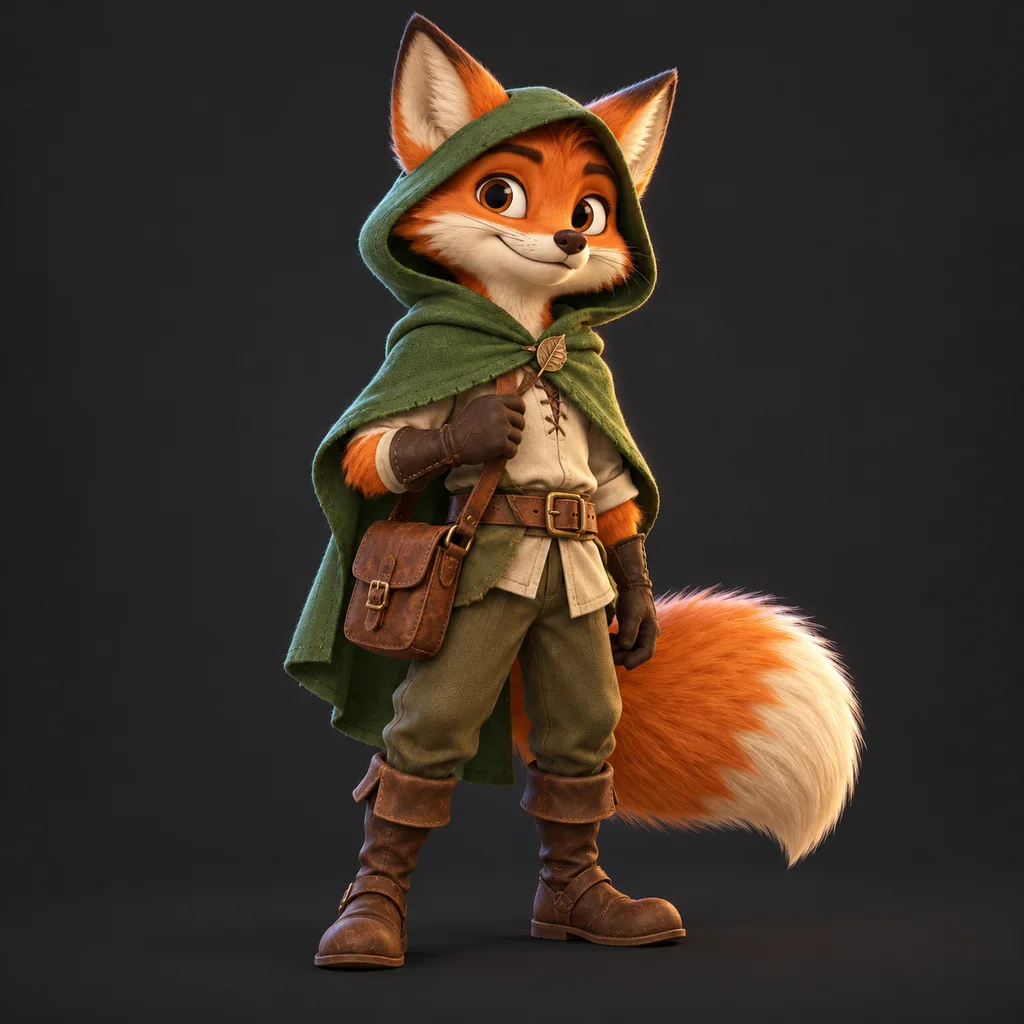
Drop in a picture, get a 3D model
3 free credits · Google sign-in · no card
How to get Godot 3D models from a picture
Two steps on SupaVoxel, four in the Godot editor. Nothing here needs Blender, though it slots in if you use it.
- 01
Generate the model
Upload one clear picture of a single object here or in the studio. Geometry-only costs 1 credit; textured costs 3 and needs a paid plan. Geometry usually finishes in under a minute, textured models in 3 to 5 minutes. - 02
Download the GLB
GLB is the free download. In Godot, binary glTF is the smaller option: textures are packed inside and end up as part of the imported material. - 03
Copy it into the project
Put the file anywhere underres://, for exampleres://models/props/. Godot imports it as soon as the editor regains focus. - 04
Tune the Import dock
Click the file once in the FileSystem dock and open the Import dock. Set Generate LODs, Create Shadow Meshes and Light Baking (details below), then click Reimport. - 05
Add collision
Double-click the file to open Advanced Import Settings, where you can set per-mesh options and add physics. Or, if you pass the model through Blender, rename the object with a-color-convcolsuffix and Godot builds the collision for you. - 06
Instance it
Drag the file from the FileSystem dock into your scene. The root node takes the file's name. To add scripts or children, create a New Inherited Scene from it so reimports don't wipe your changes.
Godot 3D models made from one image
Props and characters sized for indie projects. Every one started as a single picture; rotate them before you generate your own.
Which file format to use for 3D models for Godot
Godot reads several formats. Here is how they compare in Godot 4, and which ones SupaVoxel gives you.
glTF 2.0 (.glb / .gltf)
- Godot support
- Recommended; text and binary both supported
- Limits
- None that matter for static props
- From SupaVoxel
- GLB – free download
.blend
- Godot support
- Imported by calling Blender's glTF exporter in the background
- Limits
- Blender 3.0+ must be installed (3.5+ recommended)
- From SupaVoxel
- Import the GLB into Blender, save .blend
OBJ + MTL
- Godot support
- Supported
- Limits
- No pivots, skeletons, animation, UV2 or PBR materials
- From SupaVoxel
- Paid export
FBX
- Godot support
- Supported through the ufbx library
- Limits
- Proprietary format; Godot recommends glTF over it
- From SupaVoxel
- Not a studio export
| Format | Godot support | Limits | From SupaVoxel |
|---|---|---|---|
| glTF 2.0 (.glb / .gltf) | Recommended; text and binary both supported | None that matter for static props | GLB – free download |
| .blend | Imported by calling Blender's glTF exporter in the background | Blender 3.0+ must be installed (3.5+ recommended) | Import the GLB into Blender, save .blend |
| OBJ + MTL | Supported | No pivots, skeletons, animation, UV2 or PBR materials | Paid export |
| FBX | Supported through the ufbx library | Proprietary format; Godot recommends glTF over it | Not a studio export |
Stick with GLB. OBJ drops the PBR material and the second UV channel that lightmaps use.
Godot Import dock settings for generated meshes
These options sit in the Import dock after you select the 3D scene. Recommended values for a typical AI prop:
- Root Type
- Node3D (default) – keeps the model movable in the 3D editor
- Apply Root Scale
- On – scale is baked into the meshes, so child nodes added later aren't scaled
- Ensure Tangents
- On for textured models with normal maps; off for gray geometry-only meshes
- Generate LODs
- On for props seen from a distance; off for small items always seen close
- Create Shadow Meshes
- On – welds vertices for cheaper shadow rendering at the same quality
- Light Baking
- Static Lightmaps for static scenery you bake (generates UV2); otherwise leave dynamic
- Lightmap Texel Size
- Only with Static Lightmaps; smaller = sharper lightmaps but longer bakes
Collision for 3D models for Godot, two ways
Godot can build collision during import, so you don't have to hand-place shapes on every prop. In the editor, the Advanced Import Settings dialog lets you adjust meshes and add physics per object, with a 3D preview. If you already round-trip through Blender, import hints do it by name: a suffix on the object name tells Godot what to build.
-col: keeps the mesh and adds a static collision child-convcol: same, but with a cheaper convex shape-colonly: removes the visible mesh and keeps only collision-convcolonly: convex collision only, no visible mesh- Use convex shapes for anything with a RigidBody3D
Do and don't for Godot 3D models
- Use GLB so textures travel inside the file
- Make an Inherited Scene before adding scripts
- Check the size against a 1 m MeshInstance3D box
- Decimate with the free mesh simplifier for mobile and web exports
- Keep the original GLB in version control, not only the .import cache
- Use OBJ if you want PBR materials or lightmaps
- Edit the imported scene directly – reimport overwrites it
- Expect a Skeleton3D or AnimationPlayer in the import
- Generate LODs for tiny props that are never far away
- Install Blender from a Flatpak if you use .blend import – use the blender.org build instead
What to expect from AI-generated Godot 3D models
The meshes are static, triangulated and UV-unwrapped, with one PBR material when textured. That makes them good for environment props, collectibles, furniture, statues and creatures that stand still. They are not rigged: there is no skeleton, so a character that walks needs retopology and a rig first. The usual indie route is to convert with the free GLB to FBX converter, auto-rig a humanoid in Mixamo (see the Mixamo guide), then bring it back through Blender as glTF.
Triangle counts vary with the subject. Check yours in the free GLB viewer and reduce it with the mesh simplifier if you target the Compatibility renderer, mobile or the web. For a look that hides density, see the low poly workflow.
The same file works in Unity and Unreal Engine, so a model made for a Godot jam isn't locked to it.
Related engines and tools
Frequently asked questions
What 3D format does Godot use?
Are these Godot 3D models free?
How do I add collision to an imported model in Godot?
Can I use the models in a commercial Godot game?
Do the models come rigged or animated?
Why does my model look too shiny or too dark in Godot?
Will it work with Godot 3?
How big are the files?
Keep going
Make Godot 3D models for your next jam
Upload a picture, download a GLB in minutes and drop it into res://. 3 free credits, no card.
No credit card required · 3 free credits to start