Hunyuan3D 3.1, Explained: Versions, Specs, License
Hunyuan3D is Tencent's image-to-3D model family; this page covers what it is and how it works. Want a model from your own picture now? Try SupaVoxel's generator: a textured model in typically 3 to 5 minutes.
- SupaVoxel: 3 free credits
- Textured in 3–5 min
- GLB free · STL, OBJ, 3MF on paid plans
By SupaVoxel Team·Updated
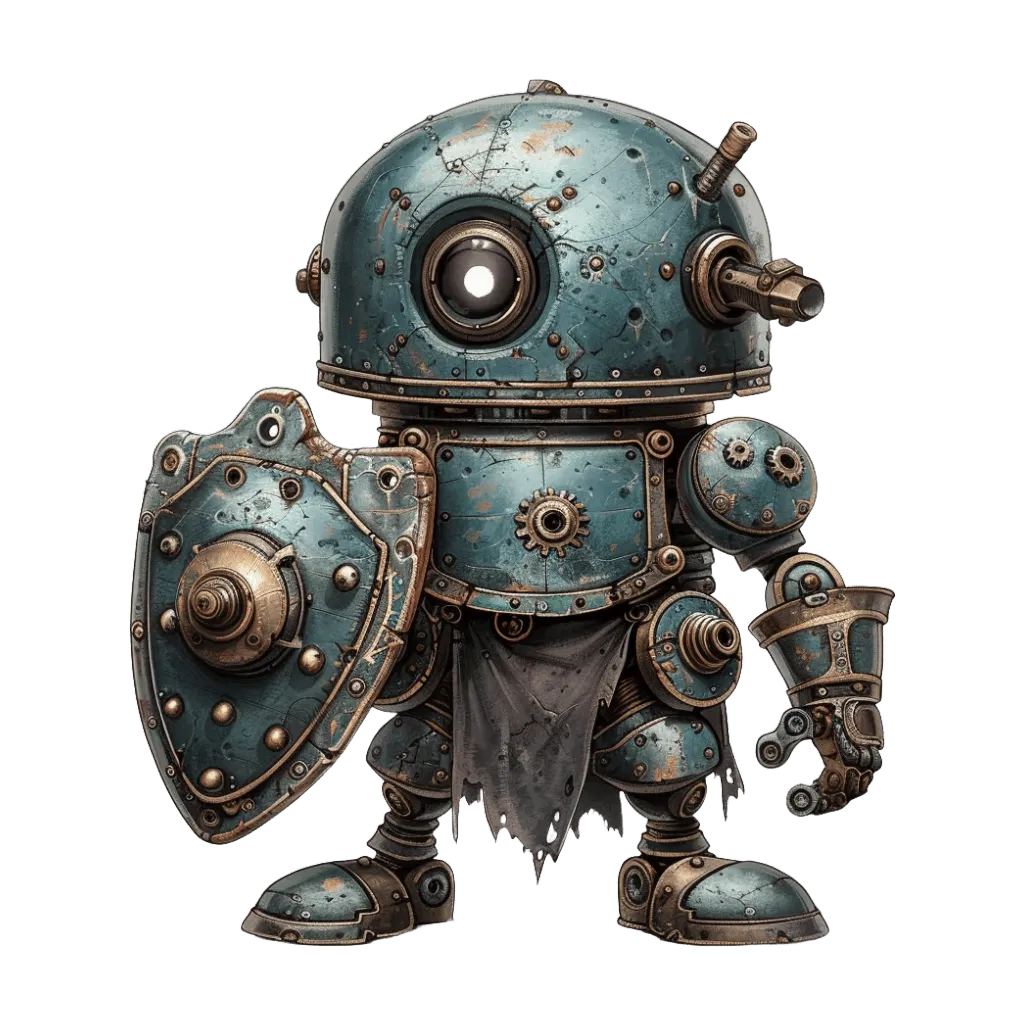
Drop in a picture, get a 3D model
3 free credits · Google sign-in · no card
What is Hunyuan3D?
Hunyuan3D is a 3D generation model family built by Tencent's Hunyuan team, the same group behind the Hunyuan language and image models. You give Hunyuan3D a picture (or, on Tencent's own site, a text prompt) and it returns a textured mesh: a closed 3D shape plus a color texture painted from your image.
Every Hunyuan3D release works in two stages. A shape model, a diffusion transformer, predicts the full geometry, including the sides your photo never showed. A separate paint model then projects color and material onto that surface. Splitting the job this way is why Hunyuan3D shapes and textures can be improved and swapped independently, and why Tencent can sell a cheaper untextured "geometry" mode through its API.
The early versions (2.0 and 2.1) were released as open weights on GitHub and Hugging Face, which made Hunyuan 3D one of the most tested models in the open-source community. The 3.x generation is a step up in detail and is offered as a hosted service: Tencent's own studio and the Tencent Cloud API. You can't download the 3.x Hunyuan3D weights; you reach them through Tencent's studio or API.
Hunyuan3D versions and release dates
The model has moved fast: from 2.0 to 3.0 took under nine months.
Hunyuan3D 2.0
- Released
- Jan 21, 2025
- What changed
- Two-stage shape + paint pipeline; 1.1B-parameter shape model, 1.3B texture model
- Weights
- Open
2mini / 2mv / Turbo
- Released
- Mar 18–19, 2025
- What changed
- 0.6B mini model, multi-view input, faster distilled variants
- Weights
- Open
Hunyuan3D 2.1
- Released
- Jun 13, 2025
- What changed
- PBR materials, full training code; 3.3B shape model and 2B paint model
- Weights
- Open
Hunyuan3D 2.5
- Released
- Jun 2025 (report)
- What changed
- Higher-detail shapes, shown in a technical report
- Weights
- Hosted only
Hunyuan3D 3.0
- Released
- Sep 16, 2025
- What changed
- Announced with 3× the modeling precision of 2.x and up to 1536³ resolution
- Weights
- Hosted only
Hunyuan3D 3.1
- Released
- 2026
- What changed
- Sharper textures and geometry, more reference views
- Weights
- Hosted only
| Version | Released | What changed | Weights |
|---|---|---|---|
| Hunyuan3D 2.0 | Jan 21, 2025 | Two-stage shape + paint pipeline; 1.1B-parameter shape model, 1.3B texture model | Open |
| 2mini / 2mv / Turbo | Mar 18–19, 2025 | 0.6B mini model, multi-view input, faster distilled variants | Open |
| Hunyuan3D 2.1 | Jun 13, 2025 | PBR materials, full training code; 3.3B shape model and 2B paint model | Open |
| Hunyuan3D 2.5 | Jun 2025 (report) | Higher-detail shapes, shown in a technical report | Hosted only |
| Hunyuan3D 3.0 | Sep 16, 2025 | Announced with 3× the modeling precision of 2.x and up to 1536³ resolution | Hosted only |
| Hunyuan3D 3.1 | 2026 | Sharper textures and geometry, more reference views | Hosted only |
The 3.0 precision and resolution figures are Tencent's; we have not measured them.
Hunyuan3D specs for version 3.1: inputs, outputs and limits
These are the Hunyuan3D 3.x API limits as of October 2026. The last row shows SupaVoxel's own generator for comparison.
- Maker
- Tencent Hunyuan team
- Input
- One image (JPG, PNG or WebP), or several views of the same object; text prompts on Tencent's API
- Image size on Tencent's API
- 128 to 5,000 px per side, up to 8 MB
- Face count on Tencent's API
- 3,000 to 1,500,000 faces, default 500,000
- Texture
- Color texture, optional PBR maps (metallic, roughness, normal)
- Modes on 3.1
- Textured, geometry only; low-poly and sketch modes stay on 3.0
- License
- 3.x is a hosted service; 2.x open weights use the Tencent Hunyuan Community License
- Alternative: SupaVoxel's generator
- Textured model in typically 3 to 5 minutes, GLB free, STL / OBJ / USDZ / 3MF on paid plans
Where Hunyuan3D is strongest
These are the jobs where Hunyuan3D results tend to need the least cleanup.
Faithful to the picture
Fine surface detail
Clean, even textures
Solid, closed shapes
Multi-view aware
Stylized and realistic
Hunyuan3D weaknesses and how to avoid them
No 3D model is perfect. These are the most common Hunyuan3D failure cases, and the input habits that fix them.
- Use a three-quarter view so Hunyuan3D sees depth
- Keep one object per image, filling at least half the frame
- Upload at least 512 px on the short side
- Use a plain or simple background
- Tiny thumbnails: Tencent's API rejects images under 128 px
- Thin wires, hair strands or glass, which come out thick or solid
- Text or logos as the subject; lettering rarely survives
- Scenes with several objects, which merge into one blob
How to use Hunyuan3D, and an alternative
There are two ways to use Hunyuan3D. The 3.x models run on Tencent's own 3D Hunyuan web studio and the Tencent Cloud API, where you choose the model version and mode directly. The open 2.x weights can be self-hosted from GitHub or Hugging Face, which needs a GPU with roughly 29 GB of memory to run shape and texture together. If you specifically need a Hunyuan3D file, those are the routes to take.
If you just want a textured model from a picture, SupaVoxel's own image-to-3D generator is a separate alternative. Upload one image, add up to 4 extra angles if the back matters, and get a textured model in typically 3 to 5 minutes, or an untextured one usually in under a minute. New accounts get 3 free credits, failed generations refund their credits, and the result goes straight into a browser viewer.
From there you can download the GLB for free, or on a paid plan export STL, OBJ, USDZ or a multi-color 3MF. Whichever tool made your mesh, Hunyuan3D included, the free STL repair tool fixes print errors and the mesh simplifier slims a dense mesh that is too heavy for a game engine.
Hunyuan3D 3.1 examples
The first four models are Hunyuan3D 3.1 results, each from one picture. The last two come from SupaVoxel's gallery, made with SupaVoxel's own generator, for comparison.
Hunyuan3D vs TRELLIS 2, Tripo and Meshy
A quick comparison of four of the best-known image-to-3D models. Details for each are on their own pages.
Made by
- Hunyuan3D 3.1
- Tencent
- TRELLIS 2
- Microsoft
- Tripo
- VAST (Tripo AI)
- Meshy
- Meshy
Open weights
- Hunyuan3D 3.1
- 2.x only
- TRELLIS 2
- Yes, MIT
- Tripo
- Older research models
- Meshy
- No
Best at
- Hunyuan3D 3.1
- Faithful detail, figurines
- TRELLIS 2
- Thin and complex shapes
- Tripo
- Clean game-ready meshes
- Meshy
- Print-ready, all-round
Text input
- Hunyuan3D 3.1
- Yes (Tencent API)
- TRELLIS 2
- No
- Tripo
- Yes
- Meshy
- Yes
Extras on its own site
- Hunyuan3D 3.1
- Low-poly, parts, rigging API
- TRELLIS 2
- Self-hosted only
- Tripo
- Rigging, quad mesh, segmentation
- Meshy
- Rigging, animation, retexture
| Hunyuan3D 3.1 | TRELLIS 2 | Tripo | Meshy | |
|---|---|---|---|---|
| Made by | Tencent | Microsoft | VAST (Tripo AI) | Meshy |
| Open weights | 2.x only | Yes, MIT | Older research models | No |
| Best at | Faithful detail, figurines | Thin and complex shapes | Clean game-ready meshes | Print-ready, all-round |
| Text input | Yes (Tencent API) | No | Yes | Yes |
| Extras on its own site | Low-poly, parts, rigging API | Self-hosted only | Rigging, quad mesh, segmentation | Rigging, animation, retexture |
Read more: TRELLIS 2, Tripo AI, Meshy AI, or the head-to-head Hunyuan3D vs TRELLIS 2.
What to do with a Hunyuan3D model
Free tools and next steps for any generated model, whichever service made it.
Frequently asked questions
What is Hunyuan3D?
Is Hunyuan3D free?
What is new in Hunyuan 3D 3.1?
Is there a Hunyuan3D alternative that runs online?
Can I use Hunyuan3D models commercially?
Is Hunyuan3D good for 3D printing?
How long does a Hunyuan3D generation take?
Hunyuan3D or TRELLIS 2: which is better?
Keep going
Try SupaVoxel's generator on your own picture
Read up on Hunyuan3D, then see what SupaVoxel makes from one image: a textured 3D model in typically 3 to 5 minutes. Start with 3 free credits, no card needed.
No credit card required · 3 free credits to start