Anycubic 3D Models from a Photo, for Resin or FDM
Get Anycubic 3D models from one picture in under a minute, repaired in one click. Slice the STL in Photon Workshop or Chitubox, or send a color 3MF to a Kobra 3.
- Watertight STL
- Photon Workshop · Chitubox
- Color 3MF for ACE Pro
- 3 free credits
By SupaVoxel Team·Updated
Drop in a picture, get a 3D model
3 free credits · Google sign-in · no card
How to make Anycubic 3D models from one picture
Anycubic sells both resin (Photon) and FDM (Kobra) printers, and the first three steps are the same for both. The split comes at the slicer.
- 01
Upload a clear picture
PNG, JPG, WebP or HEIC up to 10 MB. One subject, a three-quarter view and soft light give the most accurate shape. The background is removed for you. - 02
Generate the model
For a Photon, geometry only (1 credit) is enough and is usually ready in under a minute. For a color print on a Kobra, generate a textured model (3 credits, paid plan), which typically takes 3 to 5 minutes. - 03
Repair and export
One click makes the mesh a watertight solid. Download the Anycubic STL for resin or single-color FDM, or a 4-color 3MF for an ACE Pro. - 04
Prepare in the slicer
Photon: open the STL in Photon Workshop, Chitubox or Lychee, then orient, hollow and support. Kobra: open it in Anycubic Slicer Next and check the color mapping. - 05
Print and finish
Resin parts get washed, cleaned of supports and cured. FDM parts just need their supports removed. Either way, you have the object from your photo in hand.
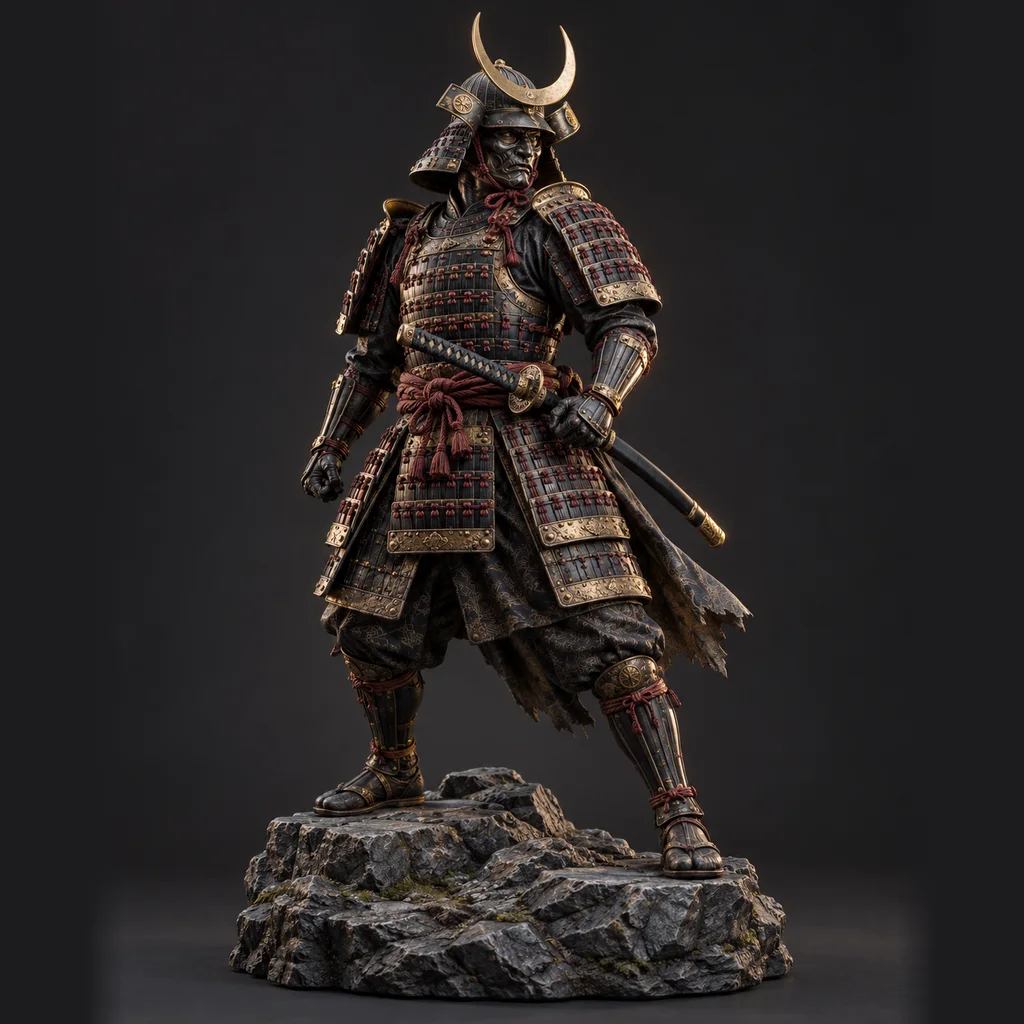
Anycubic 3D models made from single pictures
Two kinds of models: detailed figures for Photon resin printers and chunky multi-color pieces for the Kobra 3. Click a card to rotate the real model.
Anycubic printer specs that matter for AI models
Pixel size decides the smallest resin detail; build volume decides the biggest part. Figures as of October 2026.
- Photon Mono M7 Pro screen
- 10.1-inch 14K mono LCD, 13320 × 5120 pixels
- Photon Mono M7 Pro XY resolution
- 16.8 × 24.8 μm
- Photon Mono M7 Pro build volume
- 223 × 126 × 230 mm
- Photon Mono M7 Pro slicers
- Photon Workshop and Chitubox; Lychee listed as scheduled
- Photon Mono 4 screen
- 7-inch 10K mono LCD, 17 × 17 μm pixels
- Photon Mono 4 build volume
- 153.4 × 87 × 165 mm
- Kobra 3 Combo build volume
- 250 × 250 × 260 mm
- Kobra 3 Combo colors
- 4 with one ACE Pro, up to 8 with two
- Kobra 3 Combo nozzle
- 0.4 mm brass standard, 0.6 and 0.8 mm options
Printing an Anycubic STL on a Photon
A Photon prints in one resin color, so you do not need textures: the untextured model is the right one. Open the Anycubic STL in Photon Workshop, Anycubic's own free slicer, or in Chitubox. Scale it first, because supports do not rescale well once they are placed.
Tilt the model so faces and hands point up or to the side. Hollow anything larger than a fist with walls around 1.8 to 2 mm, and add at least two drain holes over 2 mm wide, one near the lowest point. Run auto supports, then add medium supports under every downward-pointing tip such as chins, fingers and sword points. Use the official exposure profile for your resin and calibrate it once before trusting it.
- Layer height: 0.05 mm for figures; the Mono 4 can go down to 0.02 mm
- Keep resin at 20 °C or warmer; cold resin is a common cause of failures
- Missing arms usually mean too few supports, not too little exposure
- Wash, remove supports while slightly soft, then post-cure in short passes
Multi-color Anycubic 3D models on a Kobra 3
The Kobra 3 Combo prints four colors with one ACE Pro and up to eight with two. SupaVoxel's multi-color 3MF reduces the texture to 4 or 16 colors and stores each triangle's filament in the paint format Bambu Studio and OrcaSlicer read. Anycubic Slicer Next is built on OrcaSlicer, so the 4-color export is worth opening there first.
If the colors do not come through, or you want more control, export the STL and paint the regions in the slicer instead. Either way, choose 4 colors for a single ACE Pro. Every extra color on a layer adds a filament change and purge, so fewer, larger color areas print faster and waste less.
- Layer height: 0.12–0.16 mm for figures on the 0.4 mm nozzle
- Use tree supports under arms and tails, on the build plate only
- TPU cannot run through the ACE Pro; use PLA or PETG for color prints
- Print several copies on one plate: purge waste per layer stays the same
Tips for AI models on Anycubic printers
Most failed prints trace back to the picture or to supports, not to the printer.
- Pick subjects with features at least 1 mm thick for FDM, 0.3 mm for resin
- Check the model from every side before you export; the AI invents the back
- Add a flat base with the free add-a-base tool for figures that topple
- Split tall models into parts with pins using the free STL splitter
- Preview the file in the free STL viewer before slicing
- Pay for a textured model if you only print resin; geometry only is enough
- Lay big flat areas parallel to the LCD; tilt them to shrink each layer
- Hollow a resin model without drain holes
- Ask for 16 colors on one ACE Pro; extras merge into the nearest four
- Use group photos or scenes; one object per model works far better
What to expect from AI-made models
The AI builds a full 3D shape from one picture, including sides the camera never saw. A three-quarter photo of a figure gives a believable back; a flat front view makes the AI guess, and the guess may surprise you. Look at the back and underside in the studio before you spend resin or filament, or upload up to 4 extra angles with the main picture.
Detail has a floor too. A 14K Photon resolves much finer detail than the AI mesh holds, so expect smooth, sculpted surfaces rather than texture you could catch a fingernail on. On a Kobra with a 0.4 mm nozzle the limit is the nozzle: anything thinner than about two extrusion widths may disappear.
The free plan downloads GLB only. STL, OBJ and 3MF exports, textured models and the commercial license start with the Hobbyist plan at $25 a year for 400 credits. To print for free, convert the GLB with our free GLB to STL converter.
Related printer guides
Other brands and the resin miniature workflow in more depth.
Frequently asked questions
Are Anycubic 3D models from SupaVoxel free?
Which slicer should I use for a Photon?
Can I print an Anycubic STL in color on the Kobra 3?
What layer height should I use?
How long does it take to make a model?
Why did my resin print come off the supports?
Can I sell prints of models I make?
Keep going
Make Anycubic 3D models from your own photos
Upload a picture, get a model usually in under a minute, repair it in one click and print it on your Photon or Kobra.
No credit card required · 3 free credits to start