Text to 3D Model Generator
Describe an object and Image Studio draws it, then the studio turns that picture into a full 3D model. The prompt step needs Pro; picture to model starts with 3 free credits.
- Prompt → image → 3D
- Pick from up to 4 drafts
- GLB · STL · OBJ · 3MF
By SupaVoxel Team·Updated
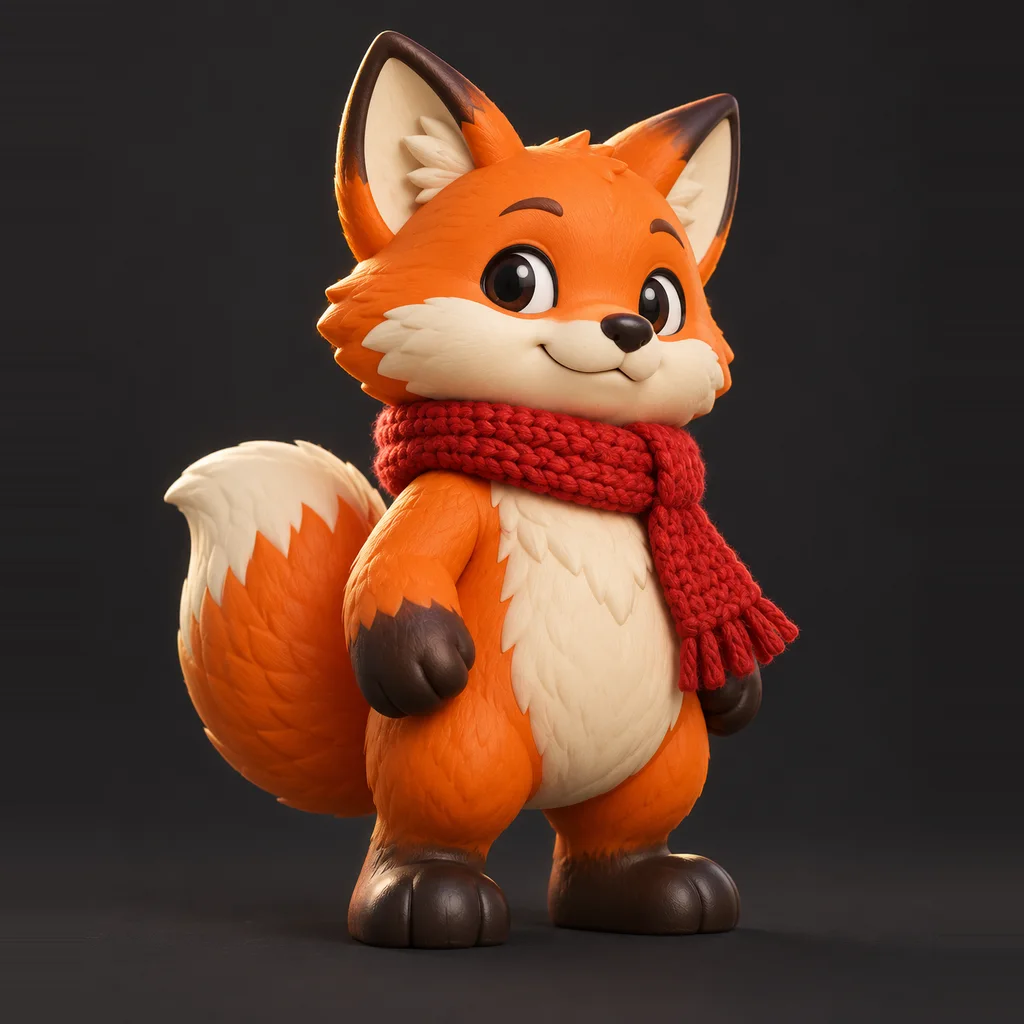
Describe it, get a 3D model
Text → image: Pro plan · Image → 3D: 3 free credits
How text to 3D works on SupaVoxel
We don't hide the middle step. Seeing the picture before it becomes geometry is what keeps you from paying for a model you don't like.
- 01
Write the prompt
Type up to 300 characters in the box above and press Generate. You land in Image Studio with the prompt filled in. Ask for 1 to 4 drafts in landscape or portrait; each one usually finishes in about a minute. Image Studio is part of the Pro plan and higher. - 02
Pick the best picture
Compare the drafts and keep the one with a clear silhouette, a three-quarter angle and no extra objects. Regenerate or tweak the wording if none of them look right; this is the cheap place to iterate. Every image is saved to your library. - 03
Turn it into a 3D model
Open the studio, choose the picture from your library and generate. Geometry only (1 credit) is usually ready in under a minute; full texture (3 credits) typically takes 3 to 5 minutes. Then download GLB, or STL, OBJ, USDZ and 3MF on a paid plan.
Text to 3D model examples from a single prompt
Each of these began as one line of text. Click a card to load the finished 3D file and turn it around.
Why the picture comes first
Some tools generate geometry straight from words. We go through a picture on purpose: image models follow prompts far more closely than shape models do, the 3D engines do their best work from a clean single-subject image, and the picture gives you a checkpoint. You see the design, the colors and the pose before a single polygon exists, and you only spend 3D credits on the version you actually want.
It also means you're not locked into prompts. Any picture works as the second step: a draft from Image Studio, your own drawing (see sketch to 3D) or a photo (see image to 3D).
- You review the design before paying for geometry
- Up to 4 drafts per prompt to choose from
- The same picture can be reused for several 3D runs
- Skip the prompt step entirely if you already have an image
Writing a prompt that makes a good 3D model
A prompt for 3D is not a prompt for a poster. You are describing one object that has to stand up on its own.
- Name one subject and its pose: "a knight standing, sword planted in front"
- Add material and style: "painted resin figure", "low-poly", "glazed ceramic"
- Ask for a "full body, three-quarter view, plain light background"
- Keep limbs and props close to the body if you plan to print it
- Describe the colors you want; the texture comes from the picture
- Describe a scene: "a knight in a castle courtyard at sunset" gives you a castle
- Ask for camera tricks like fisheye, extreme close-ups or motion blur
- Request glass, smoke, fire or water as the main subject
- Rely on text, logos or tiny engravings appearing in the model
- Pack in several characters; generate them one at a time
What each step of text to 3D costs
Prices and limits as they stand today. Credits for failed generations are refunded automatically.
Prompt → picture
- Where
- Image Studio
- Time
- About a minute per batch
- Plan
- Pro or higher
Picture → untextured model
- Where
- Studio, geometry only, 1 credit
- Time
- Usually under a minute
- Plan
- Free credits work
Picture → textured model
- Where
- Studio, full, 3 credits
- Time
- Typically 3 to 5 minutes
- Plan
- Paid plan
Download GLB
- Where
- Studio
- Time
- Instant
- Plan
- Free
Download STL, OBJ, USDZ, 3MF
- Where
- Studio
- Time
- Instant
- Plan
- Paid plan
| Step | Where | Time | Plan |
|---|---|---|---|
| Prompt → picture | Image Studio | About a minute per batch | Pro or higher |
| Picture → untextured model | Studio, geometry only, 1 credit | Usually under a minute | Free credits work |
| Picture → textured model | Studio, full, 3 credits | Typically 3 to 5 minutes | Paid plan |
| Download GLB | Studio | Instant | Free |
| Download STL, OBJ, USDZ, 3MF | Studio | Instant | Paid plan |
No Pro plan? Make the picture any way you like and upload it to image to 3D; that path starts with 3 free credits.
After the text to 3D model is made
The same studio finishes the job, whether the model goes to a printer or a game engine.
Repair for printing
Multi-color 3MF
Lighter files
Split and base
What text to 3D can't do yet
The shape model reconstructs what it sees in one picture, so everything hidden is predicted. Characters seen from the front get plausible backs, but a detailed emblem on a cape will not appear unless the picture shows it.
Precision is out of scope. A prompt like "M3 bracket, 40 mm, two holes" will give you something bracket-shaped with the wrong dimensions. Use CAD for parts that must fit. Thin, transparent or glowing elements (wings with membranes, glass, flames) are unreliable as geometry.
The result has no rig and no animation. If you need a moving character, take the GLB into Blender or Mixamo; our Mixamo guide walks through it. For printing, read the AI STL generator page, which focuses on prompts that print well, and check the file in the free STL viewer.
Other ways to start a model
Prompts are one input. These pages cover the others.
Frequently asked questions
Is text to 3D free?
How long does it take to go from text to a 3D model?
Why does SupaVoxel make an image first?
What makes a good text to 3D prompt?
Can I 3D print a model made from text?
Which file formats do I get?
Can I use text to 3D models in a game?
Who owns the models I generate?
Keep going
Try text to 3D with your own idea
Write a prompt, pick the picture you like and turn it into a model you can print or put in a game.
No credit card required · 3 free credits to start