Game Asset Generator for Props, Pickups and Scenery
This game asset generator turns concept art into a textured 3D asset in 3 to 5 minutes. Cut the GLB to your budget for Unity, Unreal, Godot or Roblox.
- Textured PBR GLB
- 3 to 5 minutes per textured asset
- Free browser optimizers
- Commercial license on paid plans
By SupaVoxel Team·Updated
Drop in a picture, get a 3D model
3 free credits · Google sign-in · no card
Who an AI game asset generator helps
Solo developers and small teams run out of art long before they run out of ideas. A level needs barrels, lamps, rocks, crates, signposts, potions, trophies and a dozen variations of each. Hiring that out is expensive; modeling it yourself eats weeks.
A game asset generator closes that gap for static objects. You give SupaVoxel one picture per object, from a sketch, a mood-board image or a picture you generate in our image studio, and you get back a textured 3D mesh. It is useful for game jams and prototypes where speed beats polish, for indie releases that need set dressing in one coherent style, and for blocking out a level before an artist replaces the key pieces.
Know the edges before you plan around it. SupaVoxel produces static, textured meshes. It does not rig, animate, create LODs or retopologize for you, and it does not texture meshes you upload. Characters that move need a rigging step in another tool.
Game asset generator workflow: picture to engine
The same five steps for any engine. Only the import menu changes.
- 01
Lock the art style in the picture
Your picture decides the style. For a consistent set, make every input picture with the same prompt template or the same artist, the same lighting and the same color palette. - 02
Generate the asset
Upload the picture. A textured model costs 3 credits on a paid plan and typically takes 3 to 5 minutes; geometry only costs 1 credit and is usually ready in under a minute if you plan to texture it yourself. - 03
Reduce to your polygon budget
Generations are dense, around 500,000 triangles on our showcase models. Decimate in Blender, or use our free mesh simplifier for untextured meshes, down to the budget for that asset class. - 04
Compress for shipping
Run the GLB through our free GLB compressor to shrink geometry and textures, or downsize textures to 1024 or 512 for small props. - 05
Import and set up
Drop the GLB into your engine, add a simple collider, set the scale, and turn it into a prefab, scene or Blueprint you can reuse across levels.
Game assets generated from a single picture
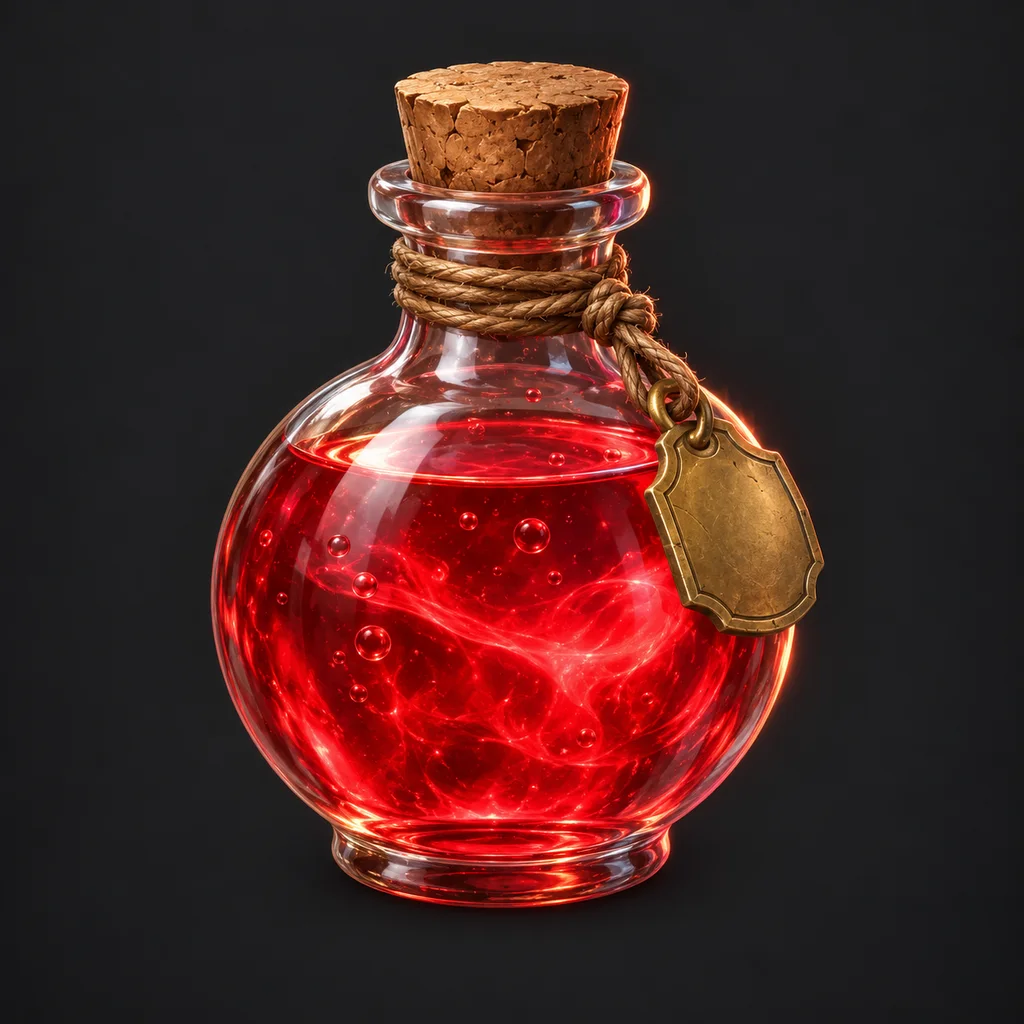
Each asset came from one image. Click a card to rotate the real textured model.
Importing generated game assets into each engine
Unity
- How GLB gets in
- Install Unity's glTFast package, then drag the .glb into Assets
- Notes
- Or convert to FBX in Blender for a native import
Unreal Engine 5
- How GLB gets in
- Import the .glb through the Content Browser
- Notes
- Check the material instance after import
Godot 4
- How GLB gets in
- Copy the .glb into the project folder
- Notes
- Imports as a scene; add a collision shape
Roblox Studio
- How GLB gets in
- File > Import, choose the .glb
- Notes
- Keep each mesh under 20,000 triangles
Blender
- How GLB gets in
- File > Import > glTF 2.0
- Notes
- The best place to decimate, flat shade or rig
| Engine | How GLB gets in | Notes |
|---|---|---|
| Unity | Install Unity's glTFast package, then drag the .glb into Assets | Or convert to FBX in Blender for a native import |
| Unreal Engine 5 | Import the .glb through the Content Browser | Check the material instance after import |
| Godot 4 | Copy the .glb into the project folder | Imports as a scene; add a collision shape |
| Roblox Studio | File > Import, choose the .glb | Keep each mesh under 20,000 triangles |
| Blender | File > Import > glTF 2.0 | The best place to decimate, flat shade or rig |
SupaVoxel exports GLB free, and OBJ, STL, USDZ and 3MF on paid plans. It does not export FBX; if you need it, export from Blender or use our free GLB to FBX converter.
Polygon and texture budgets for AI game assets
A raw generation is built for detail, not frame rate. The showcase models on our homepage come in at about 500,000 triangles, one material and 2048 × 2048 texture maps, as a 20 to 30 MB GLB. That is perfect for a close-up hero render and far too heavy for a level full of props.
Budget by how big the asset appears on screen. A coin needs a few hundred triangles; a barrel 1,000 to 3,000; a vehicle or a statue 5,000 to 15,000. In Blender's Decimate modifier, the Collapse ratio is your target divided by the current count: 0.006 takes 500,000 to about 3,000. Collapse keeps the UV map, so the original texture still fits.
- Pickups and coins: 100 to 1,000 triangles
- Scene props: 1,000 to 5,000
- Hero props and vehicles: 5,000 to 15,000
- Textures: 512 to 1024 for small props, 2048 for hero pieces
Keeping a generated asset set consistent
The biggest giveaway of AI assets is a mismatched set: one barrel painterly, the next photoreal. The 3D step copies the style of the picture, so consistency has to be decided in the pictures.
Use one prompt template for every input image and swap only the subject. Keep the camera angle, lighting and background identical. If you use our image studio (Pro plan) to make the inputs, save the prompt and reuse it. Generate a test batch of three or four assets and place them side by side in your engine before you commit to forty.
- One prompt template, one subject swap
- Same three-quarter camera angle every time
- Same palette and lighting in every input
- Review a small batch in-engine first
Do and don't for generated game assets
- Generate one object per picture
- Keep the dense original as your source file
- Use simple box or capsule colliders, not the visual mesh
- Downscale textures for small props
- Check the commercial license covers your release (paid plans)
- Ship raw generations in a mobile build
- Expect rigs, animations or LODs from the generator
- Feed it a whole scene and expect separate objects
- Use copyrighted characters or logos as inputs
- Mix art styles inside one set
What the game asset generator costs, and what it won't do
You can start with 3 free credits and download untextured models as GLB. Textured models, the commercial license and STL, OBJ, USDZ or 3MF exports are on paid plans: Hobbyist is $25 a year for 400 credits, which is about 130 textured assets. Failed generations refund automatically.
No rigging and no animation: for humanoid characters, our Mixamo guide shows how to add both. No automatic LODs: make them by decimating copies at 50% and 25%. For engine-specific steps, see Unity, Godot and Roblox, and for faceted styles the low poly page. Voxel games can go through the voxelizer instead.
Engine and style guides
Frequently asked questions
Is the game asset generator free?
Can I use generated assets in a commercial game?
Which game engines does it work with?
How many polygons do generated assets have?
Can it make animated characters?
How long does each asset take?
Can it texture models I already have?
What about 2D games or sprites?
Keep going
Generate your first game asset
One picture in, a textured GLB out in a few minutes, ready to optimize for your engine.
No credit card required · 3 free credits to start