Roblox Model Maker: From a Picture to a MeshPart
Use this Roblox model maker on concept art or a photo: a GLB in under a minute untextured that Studio imports directly. Then cut it to Roblox's triangle budget.
- GLB imports into Studio
- One material per mesh
- Under a minute untextured
- 3 free credits
By SupaVoxel Team·Updated
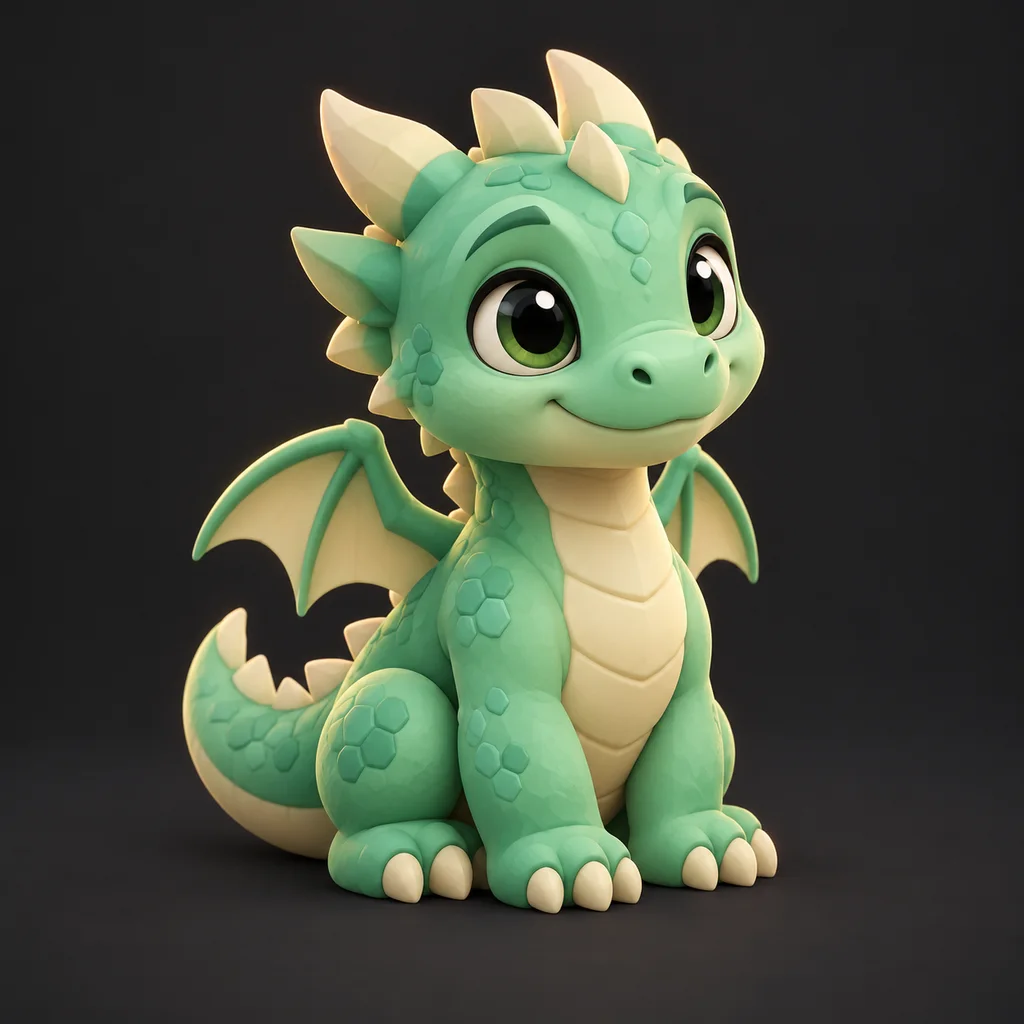
Drop in a picture, get a 3D model
3 free credits · Google sign-in · no card
Who this Roblox model maker is for
Roblox experiences need props by the dozen: crates, food, trophies, pets, signs, vehicles, statues for the lobby. Modeling each one in Blender is the slow part of building, especially if you are a scripter or a designer who never learned to model.
SupaVoxel works as a Roblox model maker for that gap. You give it one picture of the object, from your own sketch, a reference photo or an AI image, and it returns a textured 3D mesh. You then bring the polygon count down to Roblox's budget and import the file in Studio. It suits obby builders, simulator and pet-game developers, and UGC creators who want a fast base mesh to refine.
One thing to know up front: SupaVoxel makes static meshes. It does not rig or animate. Props, pets that sit or bob, and decorations are a perfect fit. A walking NPC needs a rig added in Blender or Roblox Studio afterwards.
From picture to Roblox Studio in five steps
The Roblox model maker part, the generation, usually takes under a minute untextured or 3 to 5 minutes textured. Reducing and importing takes another five if you have done it before.
- 01
Prepare one clean picture
One object, centered, three-quarter view, plain background. Chunky shapes and flat colors fit Roblox's look and survive polygon reduction better than fine detail. - 02
Generate the model
Geometry only costs 1 credit; textured costs 3 credits and needs a paid plan. Download the GLB. New accounts get 3 free credits to try it. - 03
Cut it below 20,000 triangles
AI meshes are dense. Use our free mesh simplifier for untextured meshes, or Blender's Decimate modifier for textured ones, and aim for 5,000 to 15,000 triangles. - 04
Import in Studio
In Roblox Studio choose File > Import, pick the .glb, check the preview for warnings, and click Import. The mesh lands as a MeshPart inside a Model. - 05
Scale, collide and publish
Resize the MeshPart to your scene in studs, set CollisionFidelity to Box or Hull for props, anchor it, and publish the place.
Roblox 3D model generator examples
Each model started as one picture. Click a card to rotate the real 3D file before reduction.
Roblox mesh rules your model has to meet
Roblox limits as of October 2026. Avatar bodies and accessories have stricter budgets of their own.
- Triangle budget
- Individual meshes cannot exceed 20,000 triangles
- Import formats
- .fbx, .obj and .gltf / .glb through File > Import
- glTF hierarchy
- A .glb imports as a Model holding one MeshPart per glTF primitive
- Materials
- One material per mesh object
- Textures
- PBR supported (color, normal, roughness, metalness); up to 4096 × 4096, with 1024 × 1024 suggested for a 20 × 20 stud object
- Normal maps
- OpenGL-style tangent space only
- Geometry
- Watertight, with some volume: no zero-thickness planes
- Units
- 1 stud is treated as 28 cm by the physics engine
Why the Roblox model needs a polygon diet
AI generators build dense meshes because density keeps detail for printing and rendering. The showcase models on our homepage come out at about 500,000 triangles with 2048 × 2048 textures, as a 20 to 30 MB GLB. That is 25 times over Roblox's per-mesh limit, and Studio will refuse it.
Decimation fixes it. In Blender, add a Decimate modifier in Collapse mode and set the ratio: 0.03 takes 500,000 triangles to about 15,000, and 0.01 to about 5,000. Collapse keeps the UV map, so the texture still lines up. For untextured props, our browser mesh simplifier does the same with no install.
- Small props: 1,000 to 5,000 triangles
- Hero props and pets: 5,000 to 15,000
- Never above 20,000 per mesh
- Check the count in Blender's status bar before exporting
Which file to bring into Roblox Studio
GLB
- From SupaVoxel
- Free download
- In Roblox
- Imports as a Model with a MeshPart, texture attached
- Use it when
- Default for props
OBJ
- From SupaVoxel
- Paid export
- In Roblox
- Imports as a MeshPart; texture via MTL
- Use it when
- Older pipelines
FBX
- From SupaVoxel
- Not exported; convert the GLB
- In Roblox
- Imports with rigs and animation
- Use it when
- You add a rig later
| Format | From SupaVoxel | In Roblox | Use it when |
|---|---|---|---|
| GLB | Free download | Imports as a Model with a MeshPart, texture attached | Default for props |
| OBJ | Paid export | Imports as a MeshPart; texture via MTL | Older pipelines |
| FBX | Not exported; convert the GLB | Imports with rigs and animation | You add a rig later |
SupaVoxel does not export FBX from the studio. If your pipeline needs it, our free GLB to FBX converter runs in your browser, or export FBX from Blender.
Tips for Roblox-ready AI models
- Ask for bright colors and simple, chunky shapes in the source picture
- Generate props one object at a time
- Keep a high-poly copy; decimate a duplicate
- Set CollisionFidelity to Box or Hull on detailed props
- Downsize the texture to 1024 or 512 for small items
- Import the raw 500,000-triangle mesh
- Use a full scene or a group of objects as the input
- Expect a rigged, walking character out of the box
- Upload copyrighted characters; Roblox moderation still applies
- Use PreciseConvexDecomposition collisions on every prop
What the Roblox 3D model generator does not do
No rigging, no animation and no R15 avatar bodies: those need a skeleton and, for avatars, cages that Roblox defines in detail. Use the mesh as the visual base and rig it in Blender or with Studio's rigging tools. Our Mixamo guide shows the rigging route for humanoid characters.
There is no direct export to Roblox and no automatic polygon budget yet, so the reduction step is on you. The upside is control: the same generation can be a 15,000-triangle lobby statue and a 3,000-triangle pickup. Want a blockier look on purpose? Read our low poly generator page, which covers flat shading and faceted styles.
More game-engine workflows
Frequently asked questions
Is this Roblox model maker free?
What is the triangle limit for Roblox meshes?
Can Roblox Studio import GLB files?
Can I make a Roblox character with it?
Why does my model look different in Studio?
Does Roblox allow AI-generated models?
How long does it take to make a Roblox 3D model?
Can I sell items made with the Roblox 3D model generator?
Keep going
Make your first Roblox prop
Use SupaVoxel as your Roblox model maker: one picture in, a GLB out in minutes, ready to reduce and import into Studio.
No credit card required · 3 free credits to start