Meshy AI: Versions, Specs and How It Works
Meshy AI is a widely used image and text to 3D generator; this page explains how it works. Want to compare? Try SupaVoxel's generator on your own picture: a textured model in typically 3 to 5 minutes.
- SupaVoxel: 3 free credits, no card
- Textured in 3–5 min
- GLB free · STL, 3MF on paid plans
By SupaVoxel Team·Updated
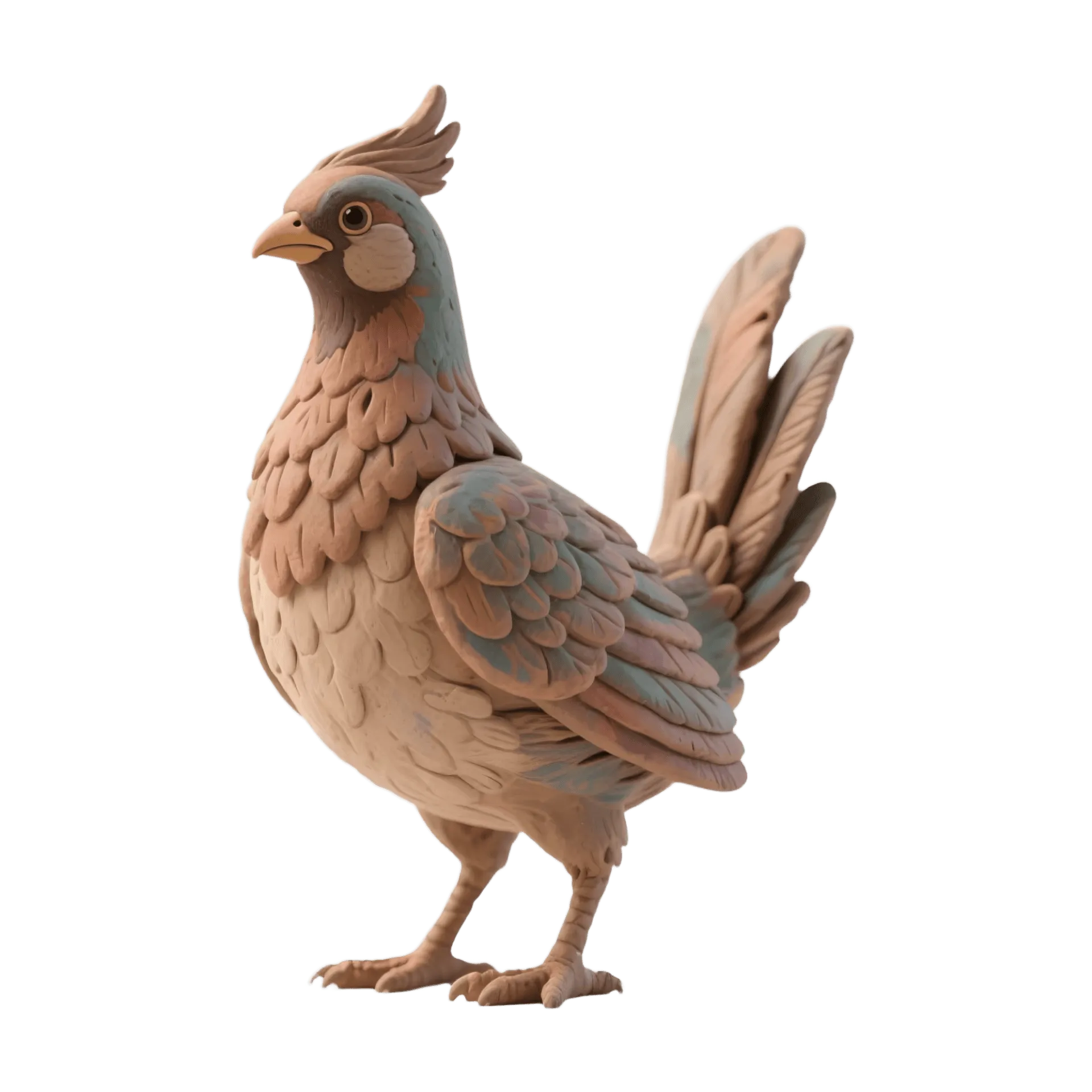
Drop in a picture, get a 3D model
3 free credits · Google sign-in · no card
What is Meshy AI?
Meshy AI is a 3D generation platform from Meshy, a company with roots in Silicon Valley and a team that includes alumni of MIT, Harvard, NVIDIA, Microsoft and Google. It turns text prompts, single images or several views of an object into textured 3D models, and it wraps that in a full toolkit: AI texturing for your own meshes, auto-rigging, animation presets, a 3D printing workflow, plugins and an API.
The first model, Meshy-1, arrived in 2023. Since then the company has shipped a new generation roughly once a year and retires older ones on a published schedule; Meshy-4 was retired in March 2026 and Meshy-5 on October 10, 2026. Unlike Hunyuan3D 2.x or TRELLIS 2, Meshy's models are closed: you use them through Meshy's web app, mobile app or API, never as downloadable weights.
Meshy leans hardest on printing. It advertises watertight, manifold models, runs a printability check on every export, and can map a texture to filament colors or split a model into parts that fit a print bed.
Meshy 6, Meshy 7 and 7.1: what changed
Meshy ships a new generation roughly once a year, with point releases in between. Web app availability usually lands the same week as the API.
Meshy 6 Preview
- Released
- Sep 2025
- What changed
- Sharper, sculpt-like geometry; image to 3D first, then text to 3D
Meshy 6
- Released
- Jan 19, 2026
- What changed
- Became the default
latestmodel, with multi-image input and full texturing
Meshy 7
- Released
- Aug 2026
- What changed
- Higher-fidelity geometry than version 6, Ultra mode for finer detail, multi-view texturing
Meshy 6 Lite
- Released
- Sep 11, 2026
- What changed
- Lighter variant, remeshed by default
Meshy 7.1
- Released
- Sep 18, 2026
- What changed
- Truer to the reference image; new 4K geometry resolution setting
| Model | Released | What changed |
|---|---|---|
| Meshy 6 Preview | Sep 2025 | Sharper, sculpt-like geometry; image to 3D first, then text to 3D |
| Meshy 6 | Jan 19, 2026 | Became the default latest model, with multi-image input and full texturing |
| Meshy 7 | Aug 2026 | Higher-fidelity geometry than version 6, Ultra mode for finer detail, multi-view texturing |
| Meshy 6 Lite | Sep 11, 2026 | Lighter variant, remeshed by default |
| Meshy 7.1 | Sep 18, 2026 | Truer to the reference image; new 4K geometry resolution setting |
Meshy-5 was retired on October 10, 2026. Older API integrations need to move to a newer model.
Meshy AI specs: inputs, outputs and limits
Meshy's own limits as of October 2026. The last row shows SupaVoxel's own generator for comparison.
- Maker
- Meshy
- Input
- Text, one image, or 1 to 4 views of the same object
- Polycount
- Remesh target 100 to 300,000 faces (default 30,000); low-poly Smart Topology 100 to 30,000
- Geometry resolution
- Standard, 2K or 4K (4K needs Meshy 7.1)
- Texture
- PBR set: base color, normal, metallic, roughness, emission; HD 4K texture option
- Extras on Meshy
- AI retexture, auto-rigging for humanoids and quadrupeds, 600+ motions, auto split for printing
- Free plan on Meshy
- 100 credits a month, CC BY 4.0 license (commercial use with attribution)
- Alternative: SupaVoxel's generator
- Textured model in typically 3 to 5 minutes; GLB free, STL / OBJ / USDZ / 3MF on paid plans
Where Meshy AI is strongest
Meshy is a generalist, and a good one. These are the areas it stands out in.
Built for printing
Stylized characters
Full PBR sets
Rigging and animation
Texture your own meshes
Plugins everywhere
Meshy AI weaknesses and input tips
Where Meshy results tend to disappoint, and how to steer around it.
- Use one object, centered, on a plain background
- Prefer a three-quarter view over a flat front shot
- Add extra angles when the back matters (Meshy takes up to 4 views)
- Check free-plan output license terms before selling anything
- Forget attribution: Meshy free outputs are CC BY 4.0
- Expect thin open surfaces like leaves to stay open; they get closed
- Count on small text or logos surviving
- Use busy scenes with several objects
How to use Meshy AI, and an alternative
People use Meshy AI through its web app, its mobile app or its API. In the web app you choose a model version, upload a prompt, an image or up to 4 views, then retexture, rig, animate or prepare the result for printing in the same place. Developers call the same models through the API.
SupaVoxel is a separate, independent alternative with no connection to Meshy. Its own image-to-3D generator turns one picture into a textured model in typically 3 to 5 minutes, and failed generations refund their credits automatically. Its focus is the part after generation: a browser viewer, a free GLB download, and on paid plans STL, OBJ, USDZ and multi-color 3MF for Bambu AMS (4 or 16 filament colors matched to Bambu PLA), one-click repair to a watertight solid, a stand base, plane cuts with pins and a mold generator. Plans start at $25 a year for 400 credits, and textured models cost 3 credits.
Go straight to Meshy AI when you need what we don't offer: rigging, animation, texturing your own meshes, an API, or a specific Meshy version. Our SupaVoxel vs Meshy page compares the two products in detail, and Meshy vs Tripo compares Meshy with its closest rival.
Meshy AI examples
The first four models are Meshy results, each from one picture. Stylized characters and print-ready figures are where Meshy is at its best. The last two come from SupaVoxel's gallery, made with SupaVoxel's own generator, for comparison.
Meshy AI vs Hunyuan3D, TRELLIS 2 and Tripo
How Meshy sits next to three other well-known image-to-3D models.
Made by
- Meshy
- Meshy
- Hunyuan3D 3.1
- Tencent
- TRELLIS 2
- Microsoft
- Tripo
- VAST
Best at
- Meshy
- Print-ready, stylized characters
- Hunyuan3D 3.1
- Faithful detail, figurines
- TRELLIS 2
- Thin and complex shapes
- Tripo
- Clean game meshes, hard surfaces
Text to 3D
- Meshy
- Yes
- Hunyuan3D 3.1
- Yes (Tencent API)
- TRELLIS 2
- No
- Tripo
- Yes
Rigging on its own site
- Meshy
- Yes, 600+ motions
- Hunyuan3D 3.1
- Yes (API)
- TRELLIS 2
- No
- Tripo
- Yes
Open weights
- Meshy
- No
- Hunyuan3D 3.1
- 2.x only
- TRELLIS 2
- Yes, MIT
- Tripo
- Research models only
| Meshy | Hunyuan3D 3.1 | TRELLIS 2 | Tripo | |
|---|---|---|---|---|
| Made by | Meshy | Tencent | Microsoft | VAST |
| Best at | Print-ready, stylized characters | Faithful detail, figurines | Thin and complex shapes | Clean game meshes, hard surfaces |
| Text to 3D | Yes | Yes (Tencent API) | No | Yes |
| Rigging on its own site | Yes, 600+ motions | Yes (API) | No | Yes |
| Open weights | No | 2.x only | Yes, MIT | Research models only |
Put your model to work
Next steps for print and game models.
Frequently asked questions
What is Meshy AI?
Is Meshy AI free?
What is Meshy 6?
What is a good Meshy AI alternative?
Is SupaVoxel part of Meshy?
Is Meshy good for 3D printing?
What polycount does Meshy AI produce?
Meshy or Tripo: which is better?
Keep going
Turn your picture into a 3D model
Compare with Meshy AI on your own picture: SupaVoxel's generator returns a textured model in typically 3 to 5 minutes. Start with 3 free credits, no card.
No credit card required · 3 free credits to start