3D Product Model from One Photo or Concept Sketch
Upload a product photo, a render or a marker sketch and get a 3D product model you can spin, place in AR or print: untextured usually in under a minute, textured in 3 to 5 minutes. A visual mockup, not a CAD file.
- 3 free credits, no card
- GLB, USDZ, OBJ, STL
- Mockups, not CAD
By SupaVoxel Team·Updated
Drop in a picture, get a 3D model
3 free credits · Google sign-in · no card
What a 3D product model from AI is good for
Early in a project, the question is rarely "is this dimension right". It is "does this shape work", and a flat sketch answers that badly. A 3D product model you can turn in your hand, drop onto a real desk in AR or print overnight answers it well, and it doesn't need to be engineered to do so.
That is the gap this page fills. One picture goes in; a closed mesh with the look of your concept comes out. Industrial designers use it for form studies and review decks, founders for pitch visuals before tooling exists, and small sellers for a spin view or an AR preview of something they already photograph.
It does not replace CAD. The mesh has no dimensions, no tolerances, no wall thickness you chose and no separate parts. When the design is approved, it gets modeled properly, with this mesh as the visual reference.
How to make a 3D product model from a photo or sketch
Five steps from a picture to something a client can look at from every side.
- 01
Choose the picture
One product, whole outline visible, three-quarter view, plain background. A studio product shot, a concept render or a clean marker drawing all work. Working from a hand drawing? Sketch to 3D covers that path. - 02
Generate
Upload it here or in the studio. Geometry only costs 1 credit and is enough to judge form. Textured costs 3 credits on a paid plan and carries color, finish and graphics. If you have side or back views, add up to 4 extra angles so less is guessed. - 03
Set the real size
The AI doesn't know your speaker is 180 mm tall. Open the GLB in Blender, type the intended width, depth and height into the N panel's Dimensions in meters, then apply scale and export again. - 04
Export for where it goes
GLB for web viewers, Blender and Android AR. USDZ for iPhone and iPad. OBJ for other design and rendering software. STL or 3MF for a print. GLB is the free download; the rest are paid exports. - 05
Review it for real
Put it in the deck as a turntable, send an AR link so stakeholders see it at true size on their own table, or print it and pass it around the room.
3D product mockup examples from one image
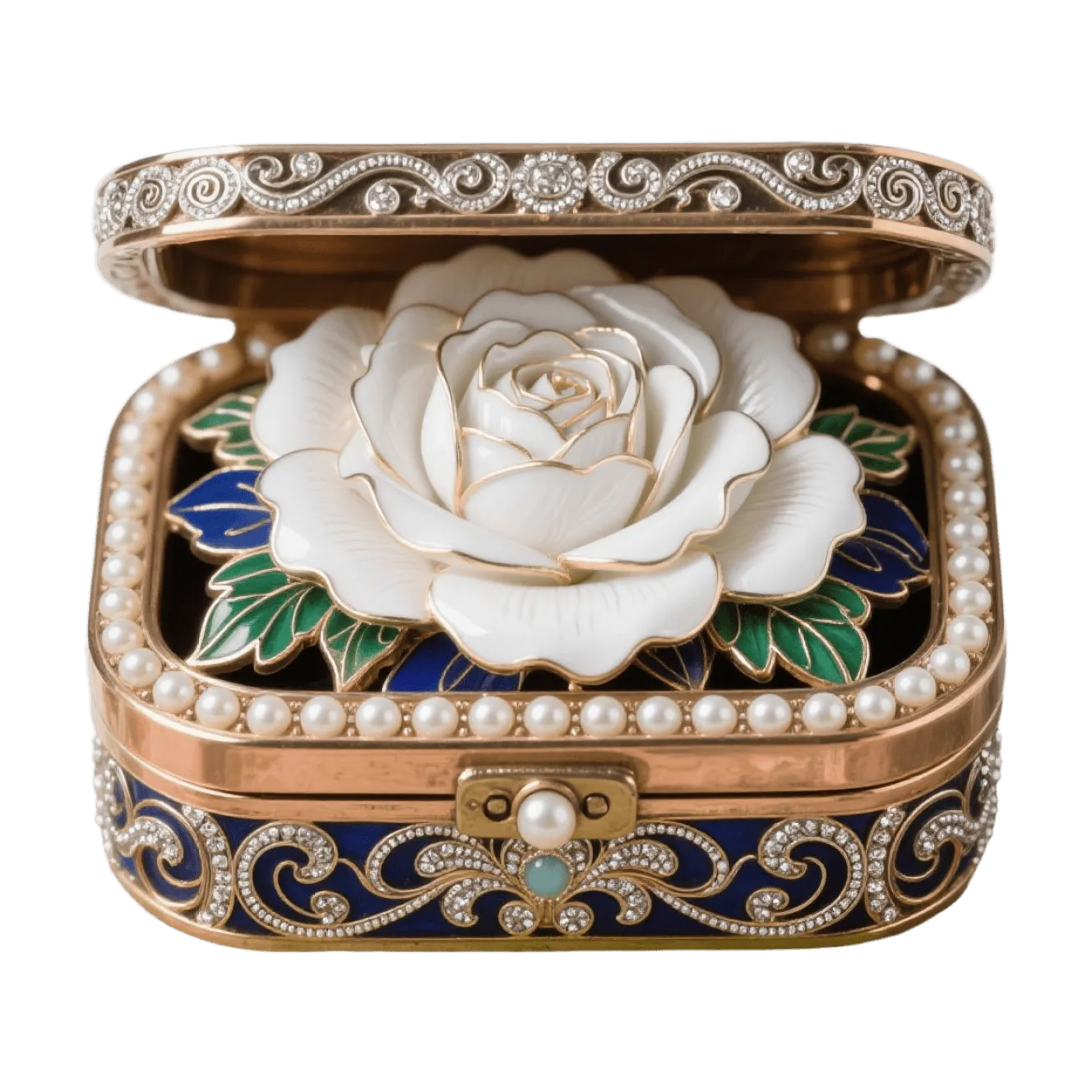
Small objects with different materials. Rotate each to see how metal, ceramic, enamel and fabric came through.
Product design 3D model jobs: good fit or wrong tool?
Honest about where a generated mesh helps and where it gets in the way.
Form studies in early concept work
- Fit
- Good
- Notes
- Compare three directions in 3D before anyone opens CAD
Design review and pitch visuals
- Fit
- Good
- Notes
- A turntable or still render of the concept itself
AR preview at true size
- Fit
- Good
- Notes
- Set dimensions first, then export GLB and USDZ
Spin view on a product page
- Fit
- Good
- Notes
- Compress the GLB before you embed it
Look-and-feel test print
- Fit
- Good
- Notes
- Checks size and presence, not fit or function
Hero packshot in a close-up ad
- Fit
- Okay
- Notes
- Inspect edges, seams and printed graphics; rebuild if they must be exact
Engineering, tooling or CNC
- Fit
- Wrong tool
- Notes
- No dimensions, tolerances, draft angles or parametric features
Assemblies and moving parts
- Fit
- Wrong tool
- Notes
- One fused object per generation
| Job | Fit | Notes |
|---|---|---|
| Form studies in early concept work | Good | Compare three directions in 3D before anyone opens CAD |
| Design review and pitch visuals | Good | A turntable or still render of the concept itself |
| AR preview at true size | Good | Set dimensions first, then export GLB and USDZ |
| Spin view on a product page | Good | Compress the GLB before you embed it |
| Look-and-feel test print | Good | Checks size and presence, not fit or function |
| Hero packshot in a close-up ad | Okay | Inspect edges, seams and printed graphics; rebuild if they must be exact |
| Engineering, tooling or CNC | Wrong tool | No dimensions, tolerances, draft angles or parametric features |
| Assemblies and moving parts | Wrong tool | One fused object per generation |
Show the 3D product mockup in AR and on the web
A model on a real table tells people more about size and presence than any render. Both phone platforms have a built-in AR viewer, and each wants its own file. Set the true dimensions in meters first, because AR places the model at whatever size the file says.
- Android and the web load GLB, which is the free download
- iPhone and iPad open USDZ in AR Quick Look: a paid export, or use the free GLB to USDZ converter
- Check the result in the free USDZ viewer before you send a link
- Shrink web files with the GLB compressor so the spin view loads quickly
- Embed code and platform limits are on the AR models page
Product 3D model generator: what you get
- Input
- One PNG, JPG, WebP or HEIC image up to 10 MB, plus up to 4 extra angles
- Output
- One closed, triangulated mesh with UVs
- Materials
- A single PBR material on textured models (3 credits, paid plans)
- Scale
- Arbitrary; set real dimensions yourself
- Free download
- GLB of an untextured model (1 credit)
- Paid exports
- Textured models, OBJ, USDZ, STL, multi-color 3MF
- Hard cases
- Clear glass and plastic, mirror chrome, thin wires, perforated grilles, small printed text
- Not included
- Exact dimensions, separate parts, parametric history, native CAD files
Using the 3D product model in your tools
The mesh moves into most visual workflows with one import.
Blender renders
AR previews
Web spin views
Test prints
Reference under CAD
Rooms and scenes
Better product models from your pictures
- Use a plain backdrop and soft, even light
- Shoot or draw a three-quarter view that shows top, front and one side
- Add back and side views for products with ports, buttons or labels
- Write down the intended W × D × H before you scale
- Generate untextured first when you only need to judge form
- Start with clear bottles, glass or mirror-polished chrome
- Expect logos and small label text to stay legible
- Upload an exploded view or a group shot of several products
- Trust the model's size without setting dimensions
- Send the mesh to a toolmaker as if it were CAD
Honest limits for product work
AI reconstruction is better at the look of an object than at its exact geometry. Radii, parting lines and button spacing land close to the picture, not on a spec. Sides the picture doesn't show are inferred, which is why extra angles help for anything with a detailed back.
Materials come as one PBR set baked from the image. Transparent parts turn opaque or tinted, and reflections in the photo can end up painted onto the surface. For a product whose appeal is glass or chrome, plan to reassign those materials in your render tool.
You also need the rights to what you upload. Your own designs and photography are fine. A model of another brand's product is not yours to publish as your own.
Frequently asked questions
Can I make a 3D product model from a single photo?
Is the product 3D model generator free?
Can I use the model for manufacturing?
Does it work from a concept sketch or render?
How do I show a product in AR?
Is the 3D product mockup the correct size?
Can I 3D print a prototype from it?
Who owns the models, and can I use them commercially?
Keep going
Turn your next concept into a 3D product model
Upload one photo or sketch, review the shape in 3D, then place it in AR or print it. 3 free credits, no card.
No credit card required · 3 free credits to start