Second Life Avatar Creator for Mesh Attachments and Props
Use this Second Life avatar creator for mesh: a textured model in 3 to 5 minutes, worn as an attachment, companion or build piece. Rigid attachments need no rig.
- Textured model in 3–5 minutes
- Free GLB to OBJ to DAE path
- Under 2048 px textures
- 3 free credits
By SupaVoxel Team·Updated
Drop in a picture, get a 3D model
3 free credits · Google sign-in · no card
Who a Second Life avatar creator like this is for
Second Life looks are built from mesh: a body, a head, then hair, clothes, shoes, jewelry, tails, wings, pets and props, each a separate item. Creators who sell on the Marketplace, and residents who want a one-off piece nobody sells, both spend most of their time making mesh outside the viewer.
SupaVoxel speeds up the modeling step. Give it one picture of the item and it returns a textured 3D model you can reduce, cut into levels of detail and upload. It is strongest for rigid things: a hat, a crown, a sword on the hip, a shoulder pet, a backpack, a statue for your parcel, furniture and decor.
Be clear about what it won't do. SupaVoxel does not rig. A rigid attachment doesn't need a rig; it is worn on an attachment point and moves with that body part. A rigged avatar body, fitted clothing or an Animesh creature has to be weighted to the Second Life skeleton in Blender, and that is a separate, skilled step.
From picture to Second Life mesh upload
Six steps. Test on the Aditi beta grid first; uploads to the main grid cost Linden dollars.
- 01
Generate the model
Upload a clear picture of one object, plain background, three-quarter view. A textured model costs 3 credits on a paid plan and typically takes 3 to 5 minutes. Download the GLB. - 02
Reduce the triangle count
AI meshes are dense, around 500,000 triangles on our showcase models. In Blender, decimate to a sensible high LOD: a few thousand triangles for jewelry, 10,000 to 20,000 for a large prop. - 03
Make your LODs
Duplicate and decimate further for medium, low and lowest. Each LOD must have fewer triangles than the one above. Hand-made LODs keep land impact far lower than the uploader's automatic ones. - 04
Convert to COLLADA
Second Life uploads mesh as COLLADA (.dae). Our free GLB to OBJ and OBJ to DAE converters run in the browser, with no account. - 05
Upload in the viewer
Use Build > Upload > Model, load each LOD file, set a simple physics shape, check the land impact estimate and the preview, then calculate weights and upload. - 06
Texture and wear
Upload textures at 2048 px or smaller, power-of-two sizes, apply them to the faces, then attach the object to the right attachment point and position it.
Second Life mesh examples from a single image
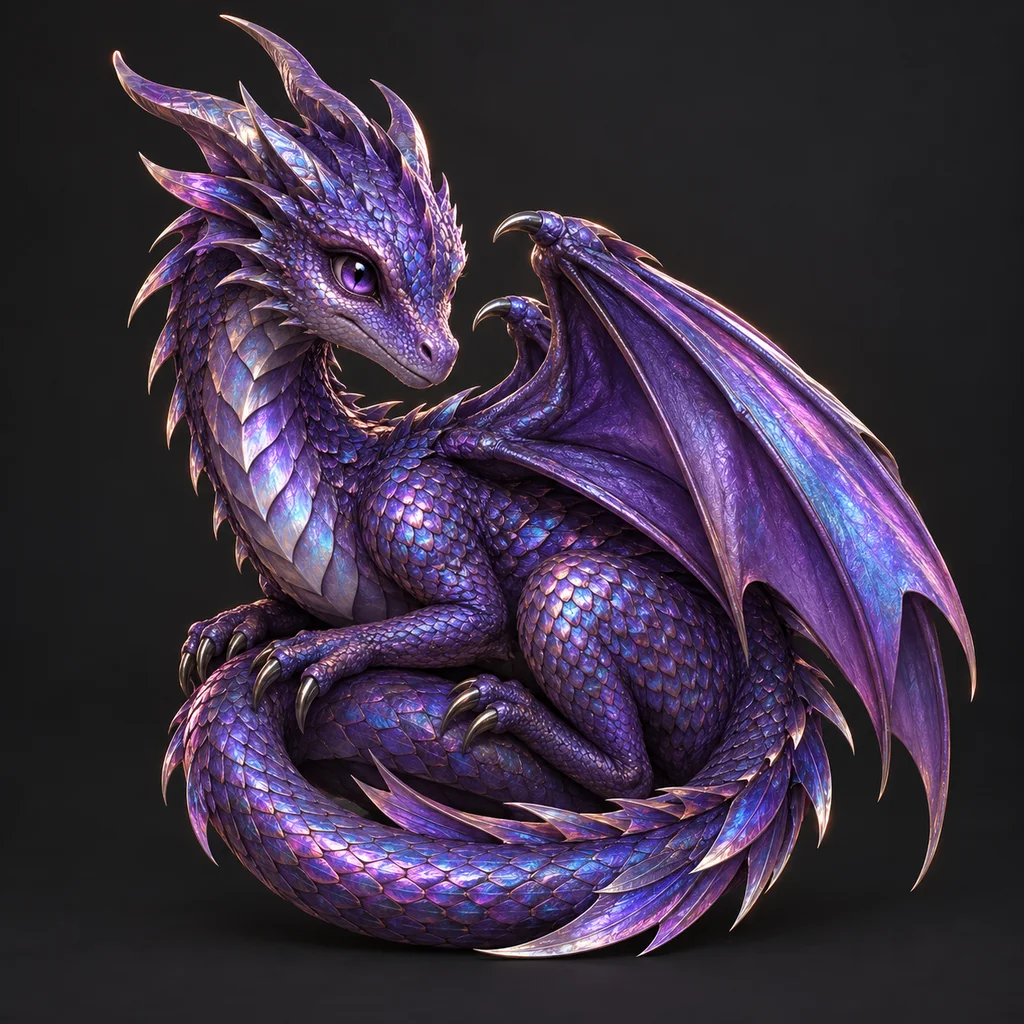
Each model below came from one picture. Click a card to rotate it before reduction.
Second Life mesh limits to plan around
The upload rules that matter for a generated model in Second Life, as of October 2026.
- Upload format
- COLLADA (.dae)
- Who can upload mesh
- Accounts that have accepted the IP terms and have payment info on file
- Cost
- Uploads to the main grid cost L$; the Aditi beta grid has its own test balance
- Levels of detail
- High is required; medium, low and lowest are optional, each with fewer triangles than the one above
- Vertices
- 65,536 per LOD per mesh
- Materials
- Up to 8 per mesh, one per face
- Triangles per material
- About 21,844 in practice (a viewer limit)
- Textures
- Up to 2048 × 2048, powers of two only
- Animesh
- Up to 100,000 estimated triangles
- Compressed mesh asset
- 8 MB maximum
Land impact: why a raw AI model is expensive in Second Life
Land impact for mesh is driven by download weight: the bytes in each LOD, weighted by how far away that LOD is visible. Small objects switch LODs quickly. By Second Life's LOD formula, an object with a 0.5 m bounding radius shows its high LOD only within about 2 m, its medium LOD to about 8 m and its low LOD to about 17 m. Beyond that, the lowest LOD is what most people see.
That is why uploading a dense generation with auto LODs goes badly: a heavy high LOD costs a lot, and a crude lowest LOD makes the item fall apart at a distance. Reduce first, then build each LOD by hand.
- Decimate the high LOD before upload
- Hand-build medium, low and lowest LODs
- Use a box or simple hull for physics
- Bigger objects cost more land impact for the same mesh
Second Life avatar maker path for rigged bodies and clothing
A full avatar or fitted clothing has to move with the Second Life skeleton. That skeleton has its own bone names, such as mPelvis, mTorso and mHead, plus 106 extra bones added by Project Bento for faces, hands, wings and tails. A rig from Mixamo or a generic Blender armature will not match it.
If you want a rigged result, import the generated mesh into Blender, weight-paint it to the Second Life skeleton using Linden Lab's reference files or a community rigging add-on, and export a rigged COLLADA file. Our Mixamo guide covers rigging basics, but treat Second Life rigging as its own skill.
- Rigid attachments: no rig, just an attachment point
- Rigged mesh: weight to the Second Life skeleton
- Bento adds 106 bones for faces, hands, wings and tails
- Animesh: a rigged object that animates on its own
Tips for clean uploads to the grid
- Rehearse every upload on the Aditi beta grid
- Keep one or two materials per item
- Make LODs by hand from the decimated mesh
- Downsize textures to 1024 or 512 for small items
- Name the material faces before converting to DAE
- Upload the raw 500,000-triangle generation
- Let the uploader auto-generate a lowest LOD of a few triangles
- Use the visual mesh as the physics shape
- Expect a generated mesh to fit a mesh body without rigging
- Upload designs you don't own for Marketplace sale
Second Life avatar creator costs and limits
New accounts get 3 free credits, and a geometry-only model costs 1 credit with a free GLB download. Textured models, which you will want for most items, cost 3 credits on a paid plan, from $25 a year for 400 credits. Paid plans include a commercial license, so Marketplace items made from your own pictures are fine.
SupaVoxel does not rig, animate, make LODs for you or upload to Second Life. Linden dollar upload fees are separate and set by Linden Lab. For checking files before upload, the free DAE viewer opens COLLADA in your browser. For other virtual worlds, see the VRChat avatar and Roblox pages, and for reducing polygons, the low poly workflow.
Related virtual-world workflows
Frequently asked questions
Can this Second Life avatar creator make a full rigged avatar?
What file format does Second Life mesh upload use?
Is it free?
Why is my land impact so high?
How many triangles can a Second Life mesh have?
What texture size should I use?
Who can upload mesh to Second Life?
How is this different from a Second Life avatar maker in the viewer?
Keep going
Make your first attachment
Use SupaVoxel as your Second Life avatar creator for mesh: upload a picture, get a textured model in a few minutes, then reduce it, convert to COLLADA and upload.
No credit card required · 3 free credits to start